Note: Only the Approver of the audit or a user with the Commodity Manager role can cancel an audit.
Open Audits
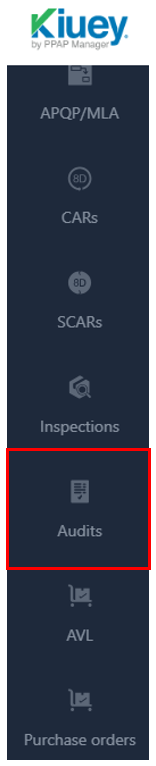
Navigate to Audits.
Find the Audit
Search for the audit you want to cancel.

Open the Actions Menu
Click the three-dot menu (⋮) next to the audit.
Select Cancel
Select Cancel from the available options.

Confirm the Action
Click Confirm Cancel to complete the process.
View Canceled Audits
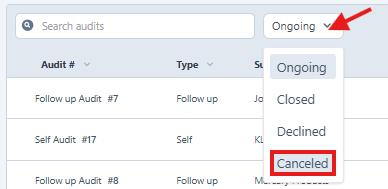
To view canceled audits, use the Status filter and select Canceled.
Was this article helpful?
That’s Great!
Thank you for your feedback
Sorry! We couldn't be helpful
Thank you for your feedback
Feedback sent
We appreciate your effort and will try to fix the article