Who this is for: internal users who create audits or act as Approver or co-auditor.
What you can do: create and launch audits, complete the form, attach files, adjust the score, request corrective actions, generate the PDF and close the audit.
Steps
- Create the audit. Only internal users can create audits (Viewers cannot). Fill in the audit details and dates.
- Save as draft or launch.
- Save as draft: the audit stays in Drafted so you can edit it later. When it’s ready, click Launch.
- Launch directly: the audit moves to Pending.
- Wait for the Leader’s response.
- If the Leader accepts the dates, the audit moves to Scheduled.
- If the Leader rejects them, the audit moves to Declined. You, as Approver, can reopen it (maximum 2 times) with new dates.
- Complete the form. The Approver or co-auditors fill in the answers. In a Self Audit, only the Leader does this.
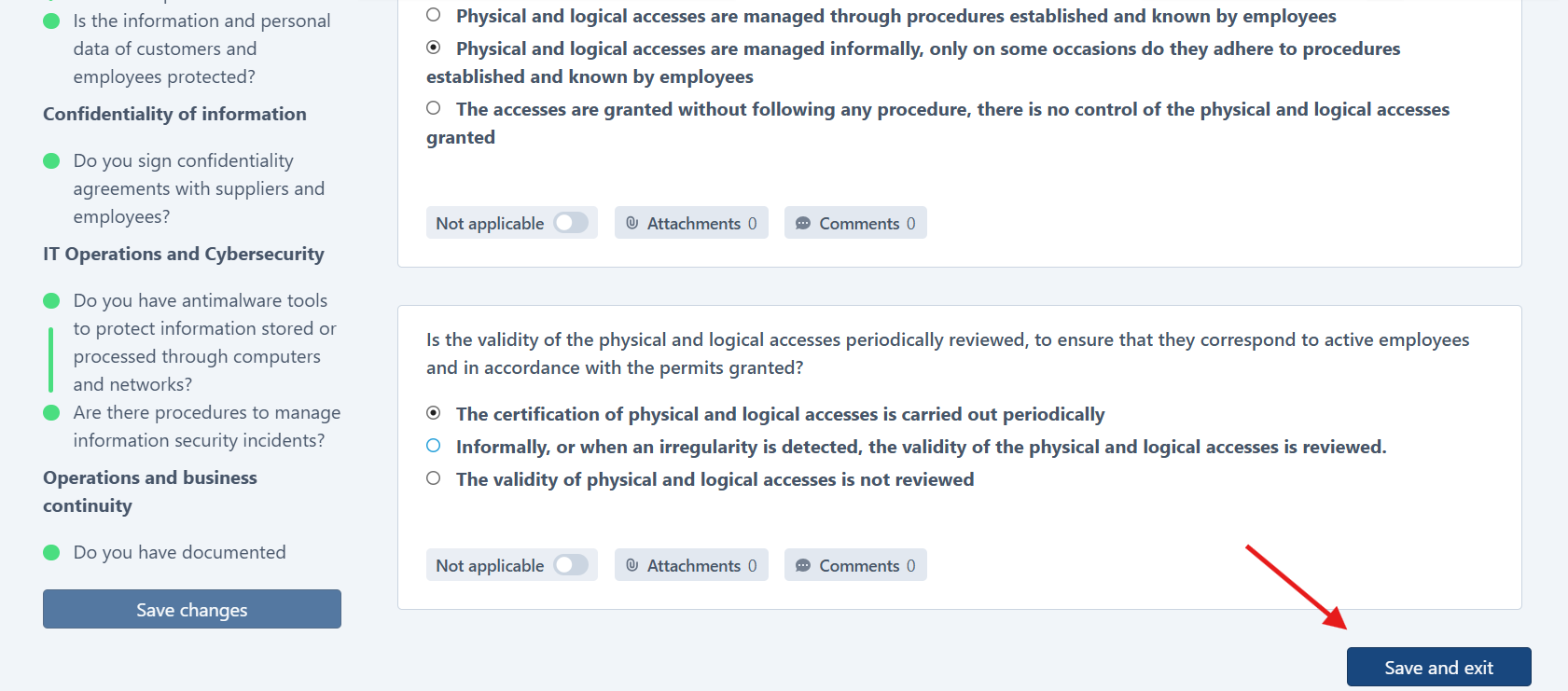
- Attach files (On Site / Remote only). The creator or Approver can add supporting files. This is not allowed in Self Audits.
- Finish all answers. When every answer is completed, the system moves the audit to On Going and then to Conducted, and the score is calculated automatically.
- Review the score. If needed, adjust the
customer_score. This is optional and only possible in Conducted.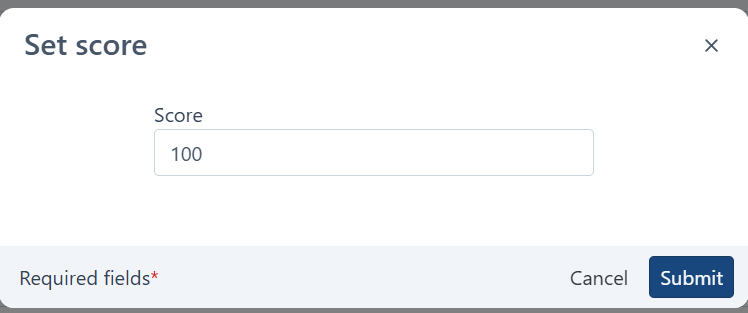
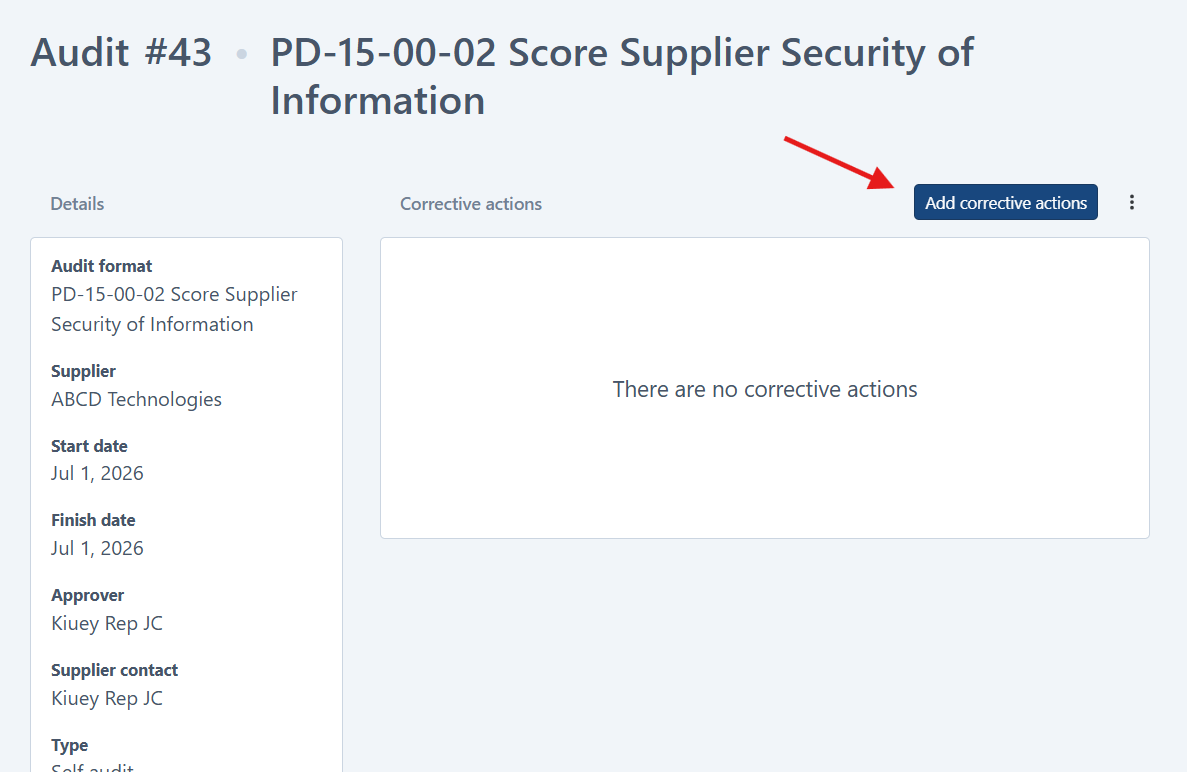
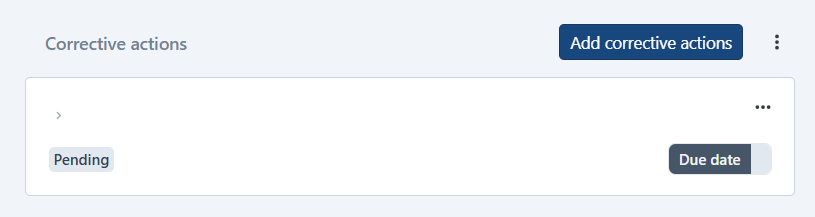
- Request corrective actions (only if needed).
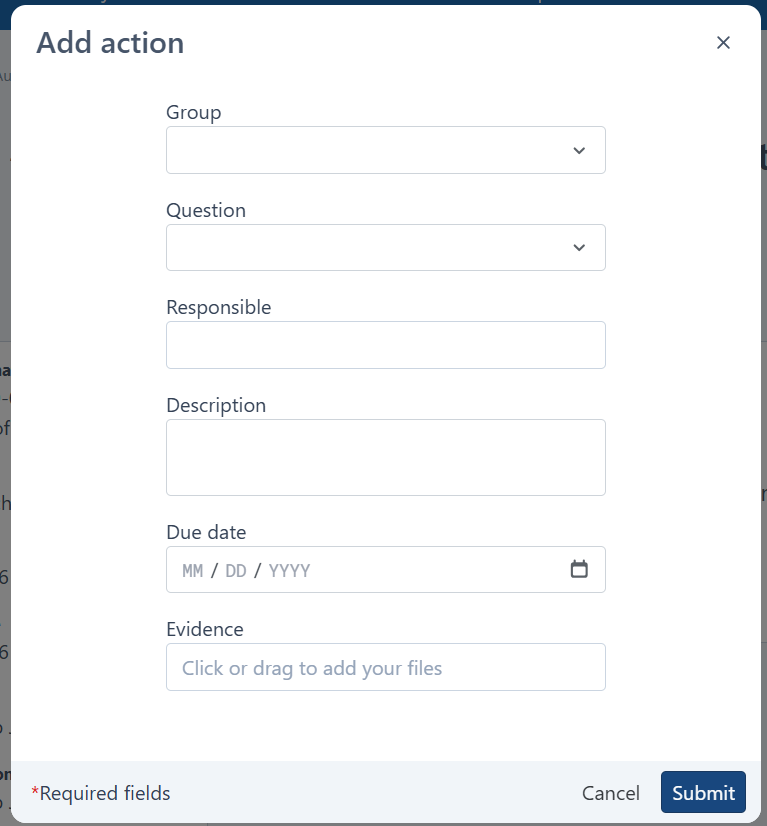
- Request the corrective actions.
- The Leader creates them.
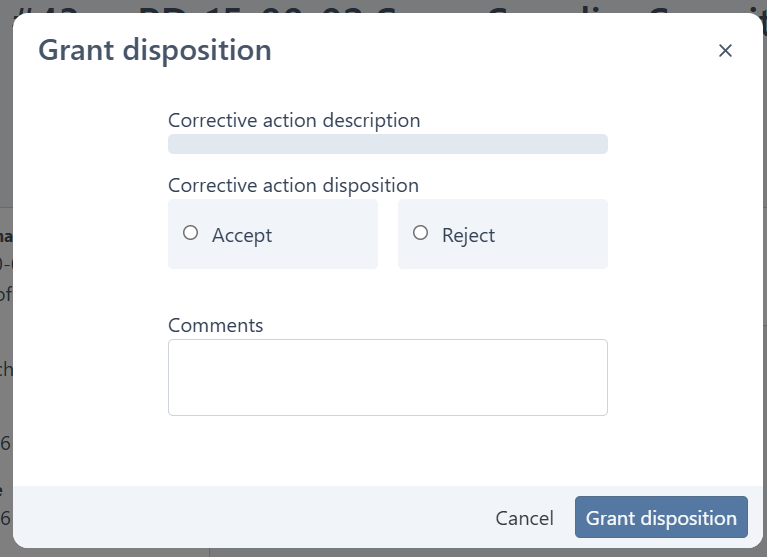
- Review and accept the actions and their evidence.
- The Leader closes them.
- Generate the PDF (recommended). The creator or Approver can generate it in any status. It’s best to do it after the score and actions are final.
- Check the close conditions.
- No response marked as “requires action” is left without an action.
- If corrective actions were requested, there is at least one, and all are accepted or closed.
- Close the audit. If the conditions are met, click Close. The audit moves to Closed. If not, go back to step 8.
Good to know
- If corrective actions were requested but none were created, the audit cannot be closed.
- Follow-up audits: when a Self Audit is Conducted or Closed, the Approver can create a linked On Site or Remote audit as a review.
- In a Self Audit with
audit_self_mandatory = true, the Leader can only accept or move dates, not reject them.
Was this article helpful?
That’s Great!
Thank you for your feedback
Sorry! We couldn't be helpful
Thank you for your feedback
Feedback sent
We appreciate your effort and will try to fix the article