Who this is for: the supplier contact assigned as Leader on an audit.
What you can do as Leader: accept or reject audit dates, acknowledge the audit, complete the form (Self Audit only), and create and close corrective actions.
Steps
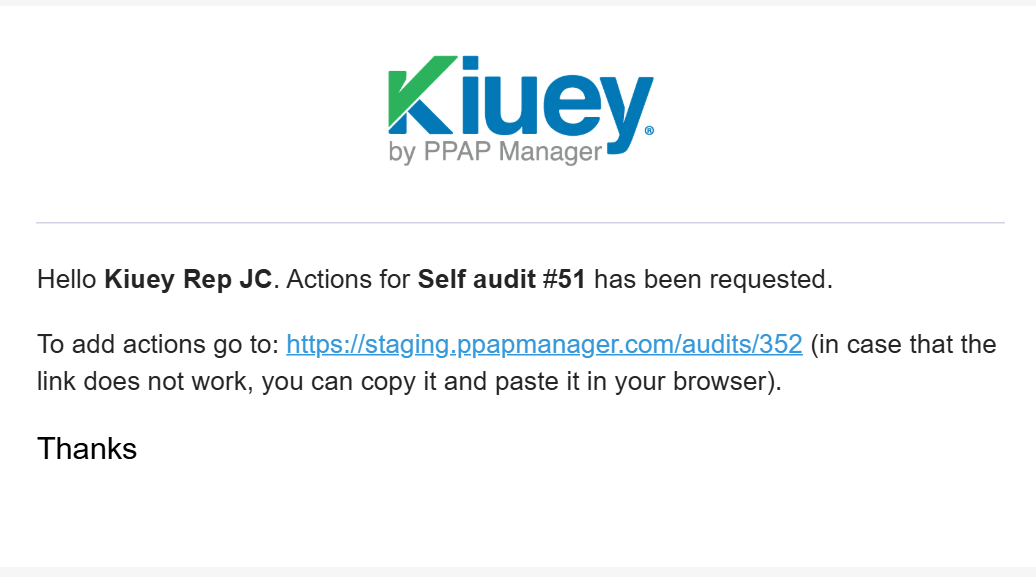
- Receive the audit. When the audit is launched, it appears in Pending status and you receive a email notification.
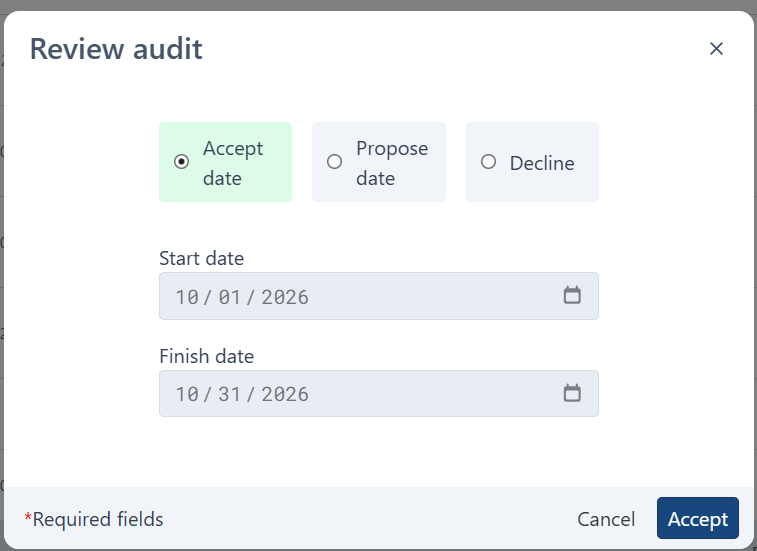
- Review the proposed dates. Open the audit and check the dates proposed by the Approver.
- Accept or reject the dates.
- Accept: the audit moves to Scheduled.
- Reject: the audit moves to Declined. The Approver can reopen it (maximum 2 times) with new dates.
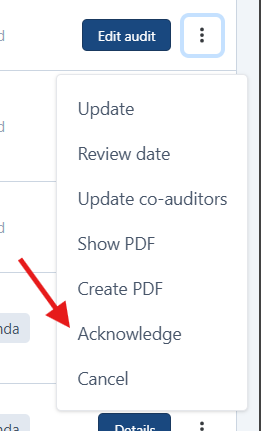
- Acknowledge the audit (optional). You can do this from the moment the audit is no longer in Drafted. It does not block the flow.
- Take part in the audit.
- On Site / Remote: the Approver or co-auditors complete the form. Your role is to support them during the audit.
- Self Audit: you complete the form yourself as a self-assessment. Attaching files is not allowed.
- Wait for the result. When all answers are completed, the audit moves to On Going and then to Conducted. The score is calculated automatically, and the Approver may adjust the
customer_score. - Handle corrective actions (only if requested).
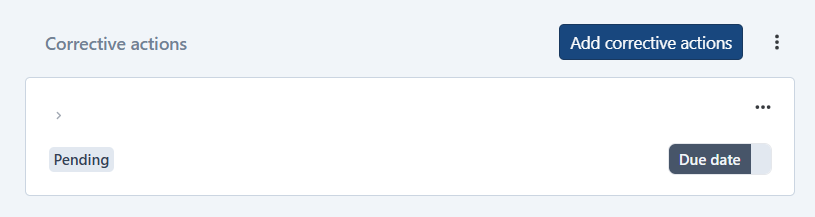
- The Approver requests corrective actions.
- You create the actions.
- The Approver reviews and accepts the actions and the evidence.
- You close the actions.
- Audit closed. Once the Approver confirms the close conditions are met, the audit moves to Closed.
Good to know
- If corrective actions were requested, at least one must be created, and all must be accepted or closed before the audit can be closed.
- In a Self Audit where
audit_self_mandatory = true, you can only accept or move the dates; you cannot reject them. - In Self Audits you also receive the
self_audit_status_updatenotification on every status change.
Was this article helpful?
That’s Great!
Thank you for your feedback
Sorry! We couldn't be helpful
Thank you for your feedback
Feedback sent
We appreciate your effort and will try to fix the article