OVERVIEW
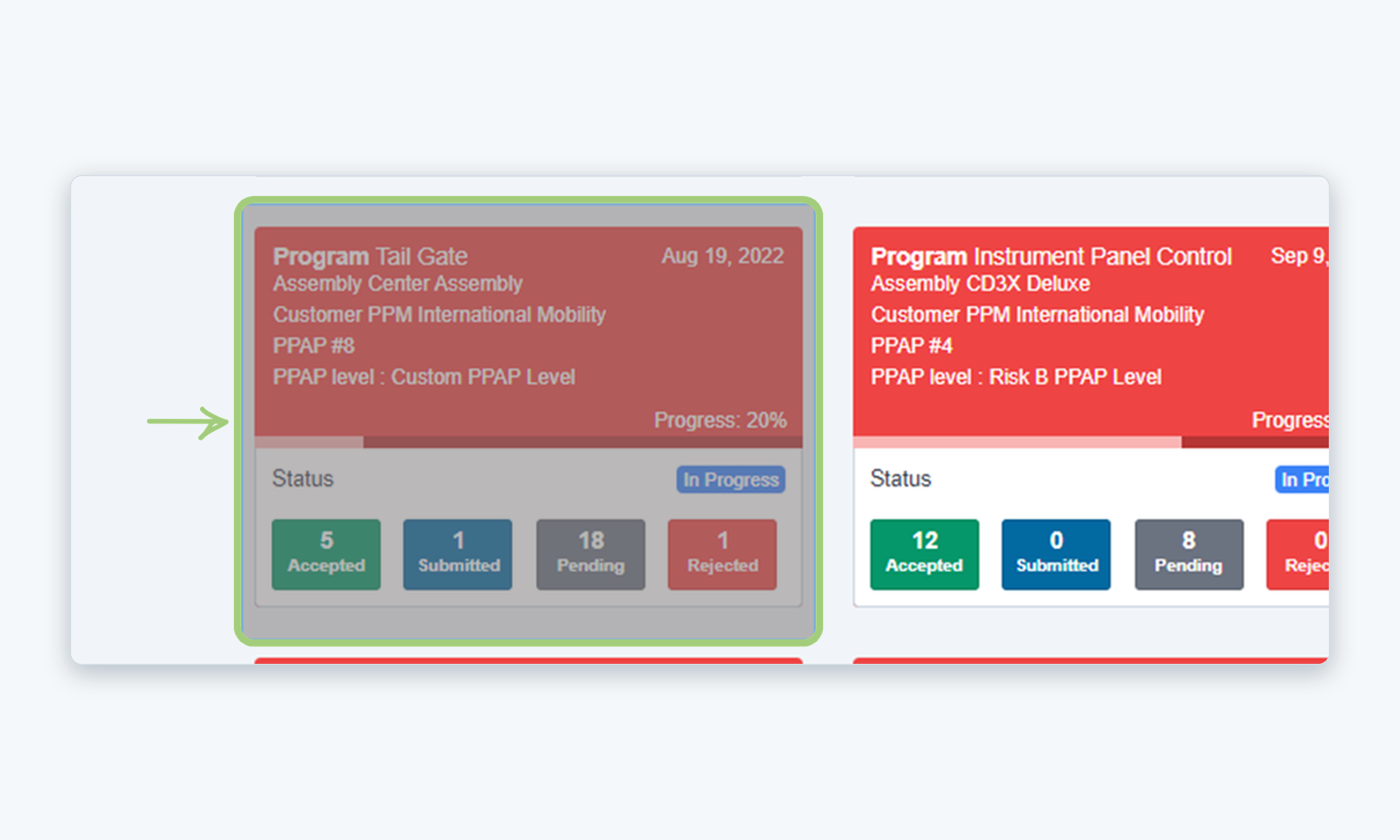
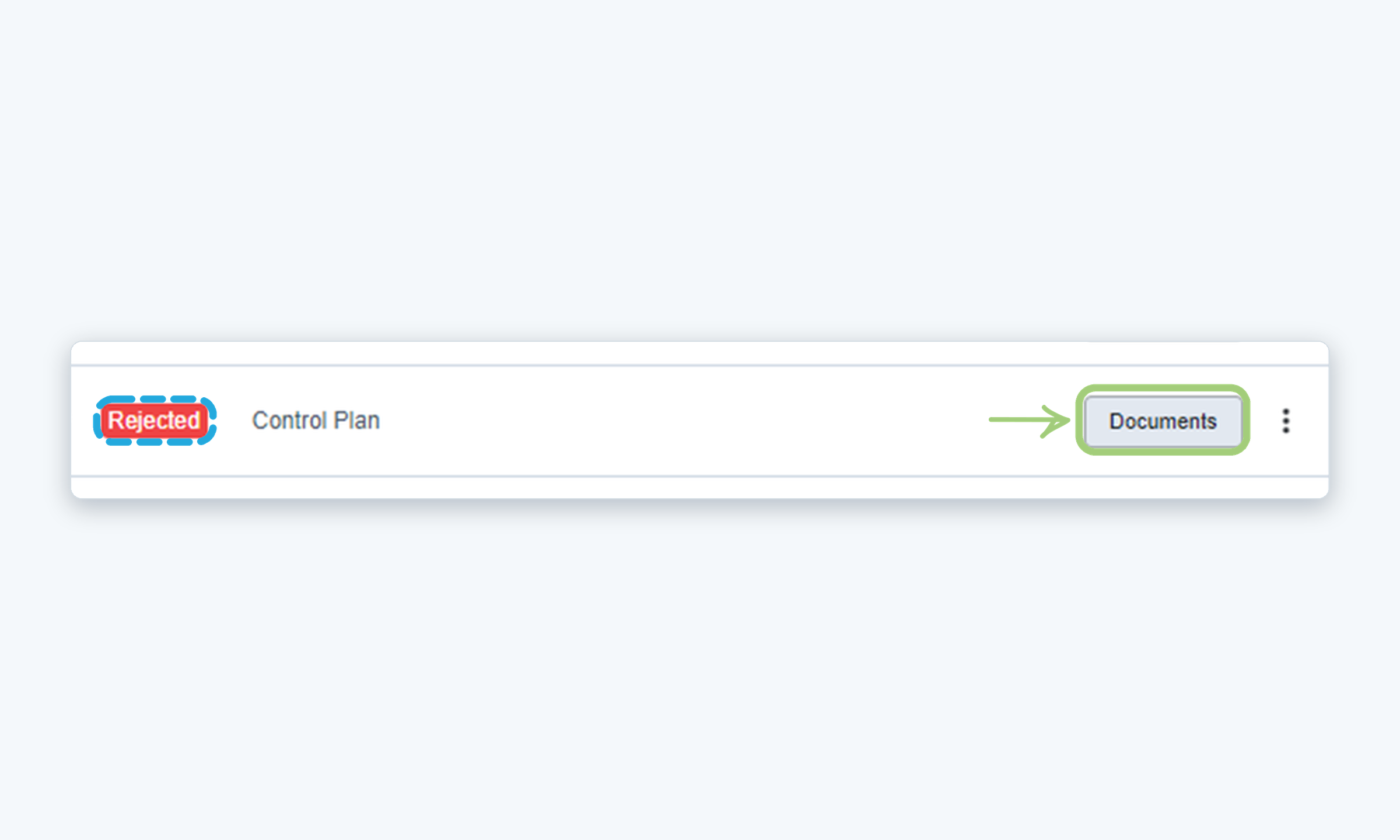
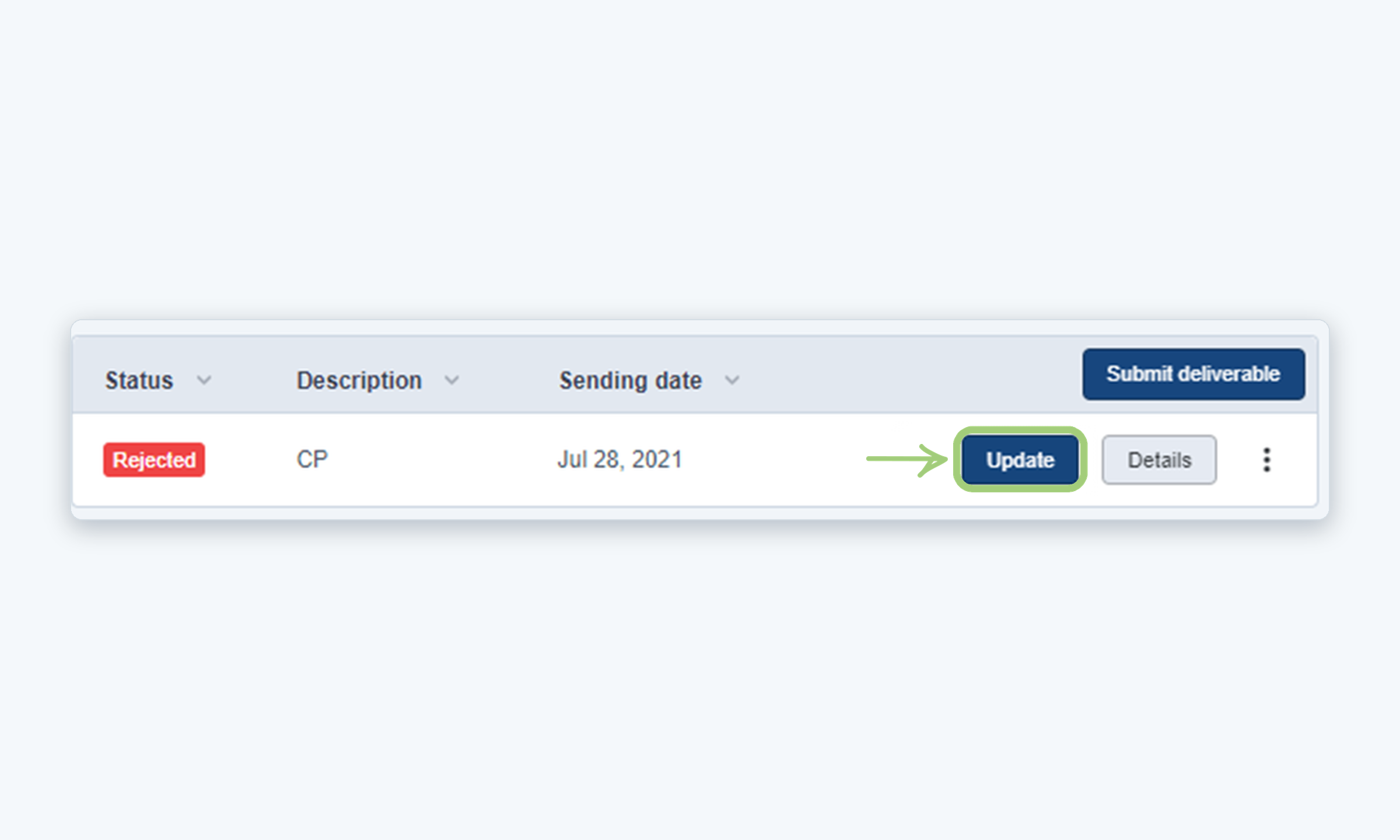
This guide explains how to correct an element that was rejected in a PPAP by submitting an updated deliverable.
Who is this for? Internal users
IMPORTANT NOTES
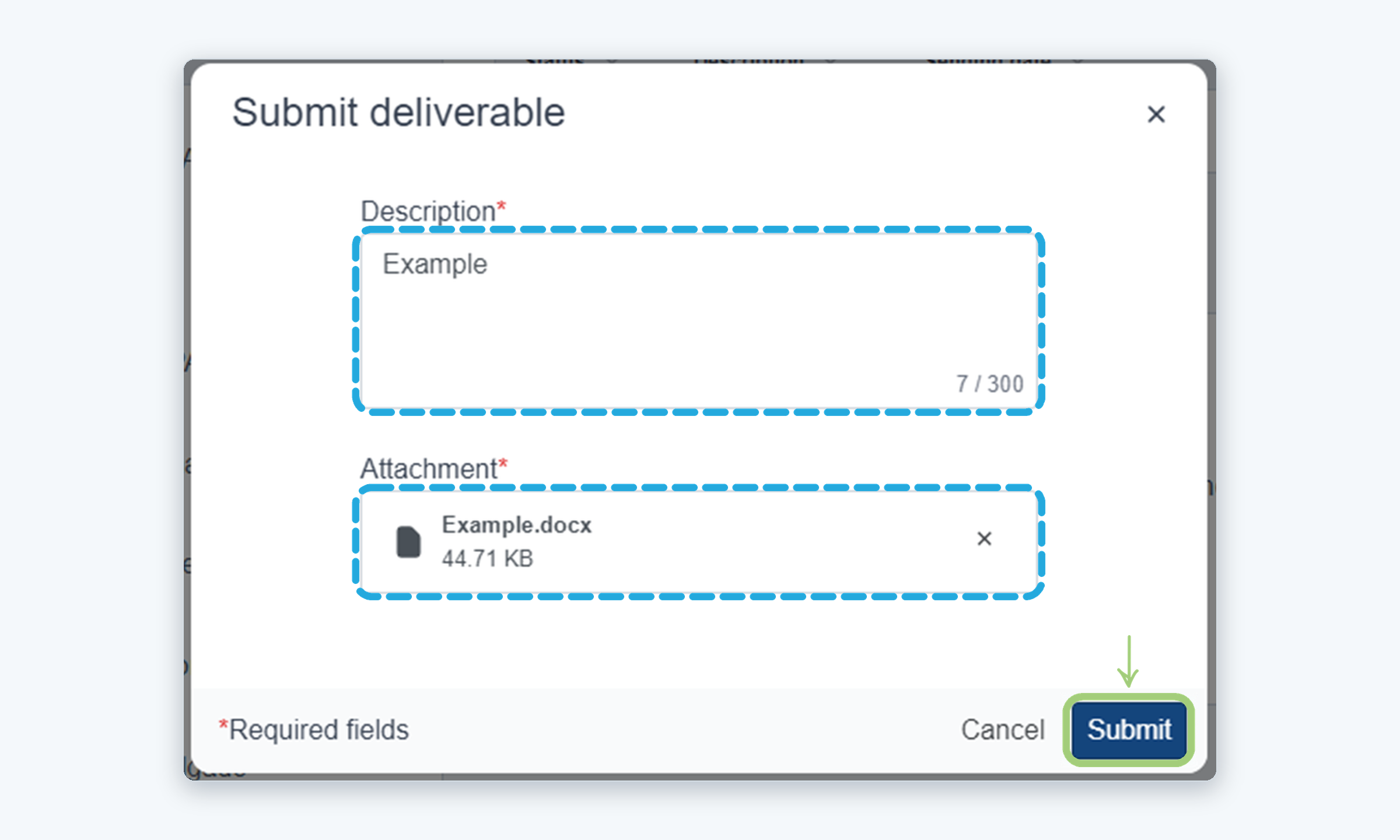
- Fields marked with an asterisk (*) are required.
- Description (up to 300 characters) and Attachment are both required.
WHO CAN DO THIS
Responsible: Can update the rejected element and submit a new deliverable.
VIDEO TUTORIAL
Steps
Need more help?
If you have any questions or concerns, please contact Kiuey Support by submitting a ticket or through any of our support channels. Our team will be happy to assist you.
Was this article helpful?
That’s Great!
Thank you for your feedback
Sorry! We couldn't be helpful
Thank you for your feedback
Feedback sent
We appreciate your effort and will try to fix the article