Open Archived PPAPs
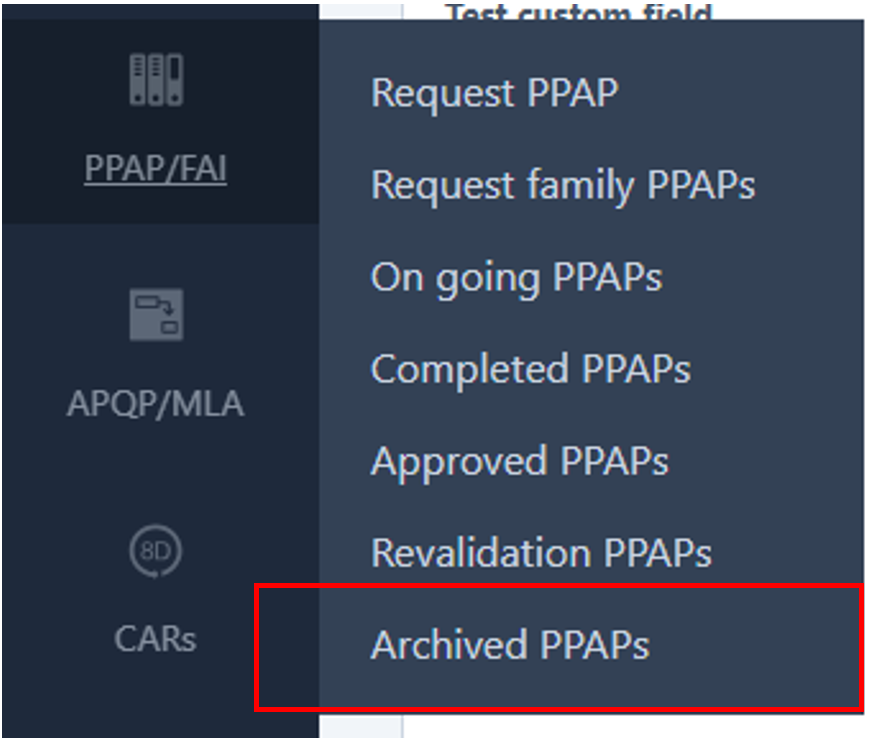
Navigate to Archived PPAPs.
Find the PPAP
Search for the PPAP you want to restore.

Open the Three-Dot Menu
Click the three-dot menu (⋮) next to the PPAP.
Select Unarchive
Select Unarchive from the available options.

Confirm the Action
Click Confirm to restore the PPAP.
Was this article helpful?
That’s Great!
Thank you for your feedback
Sorry! We couldn't be helpful
Thank you for your feedback
Feedback sent
We appreciate your effort and will try to fix the article