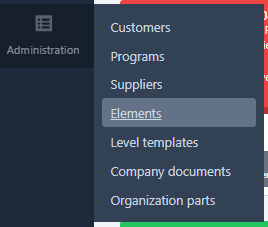
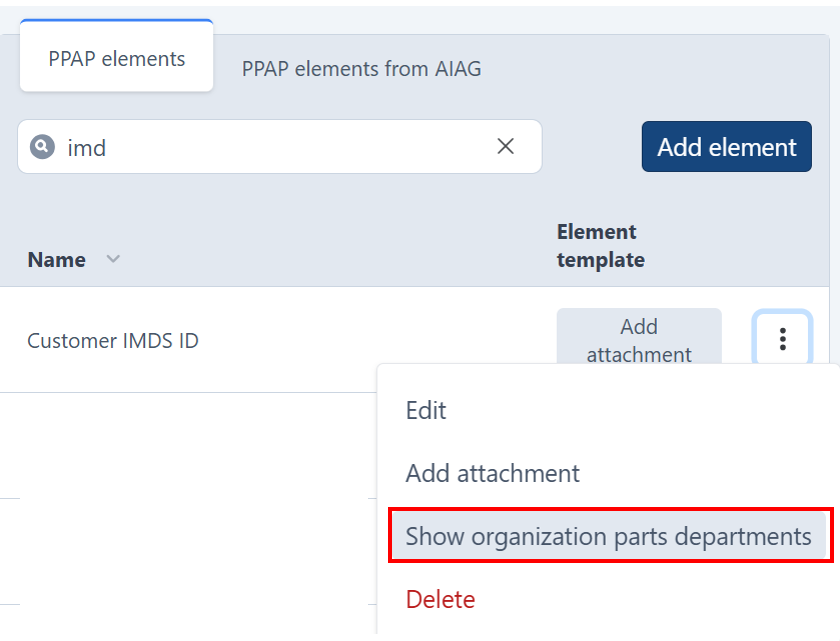
2. Locate the element that needs to be assigned, then click on the three-dot icon next to it. Click Show organization parts departments.
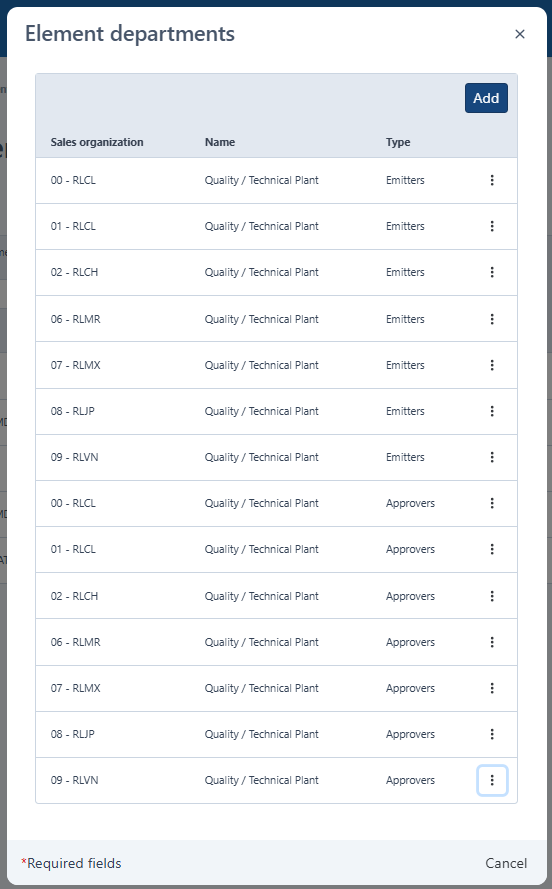
Add a Sales Organization/Department to the element
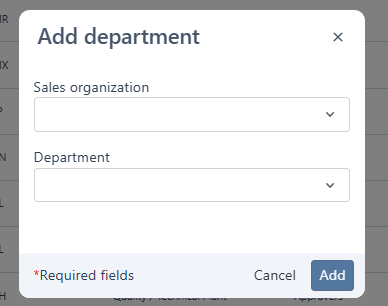
- Click the Add button in the top-right corner of the form.
- Select the desired Sales Organization/Department from the list.
- Click Save to apply the changes.
Remove a Sales Organization/Department from the element
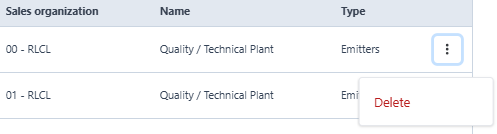
- Locate the Sales Organization/Department you want to remove from the list.
- Click the three-dot icon next to it.
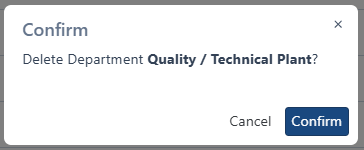
- Confirm the action when prompted.
Click X icon on top right hand corner to exit form. Changes will be applied.
Was this article helpful?
That’s Great!
Thank you for your feedback
Sorry! We couldn't be helpful
Thank you for your feedback
Feedback sent
We appreciate your effort and will try to fix the article