[Suppliers] How to Add a New Supplier Company

Created by Kiuey Support, Modified on Fri, Nov 20 at 12:21 PM by Kiuey Support Representative

add supplier, new supplier company, create supplier, AVL, suppliers, NPI, NPI Master, create user

OVERVIEW

This guide explains how to add a new supplier company.

Who is this for?  Internal users

IMPORTANT NOTES

  • Suppliers must open a ticket or contact their customers if a new supplier user is needed.

WHO CAN DO THIS

NPI or NPI Master: To add new supplier companies, NPI or NPI Master role is required. If you do not have this role, please contact Kiuey Support.

Steps
1

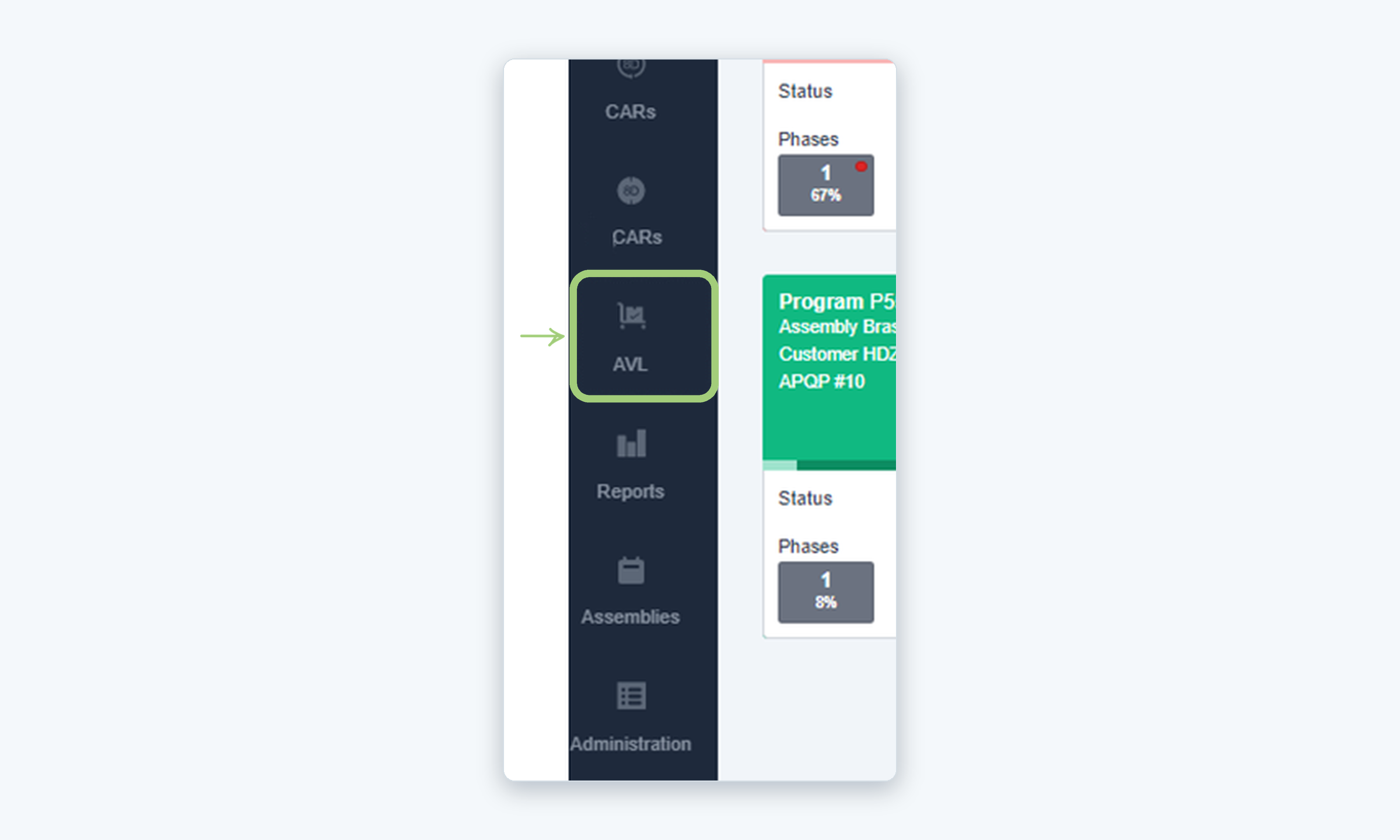
Click AVL

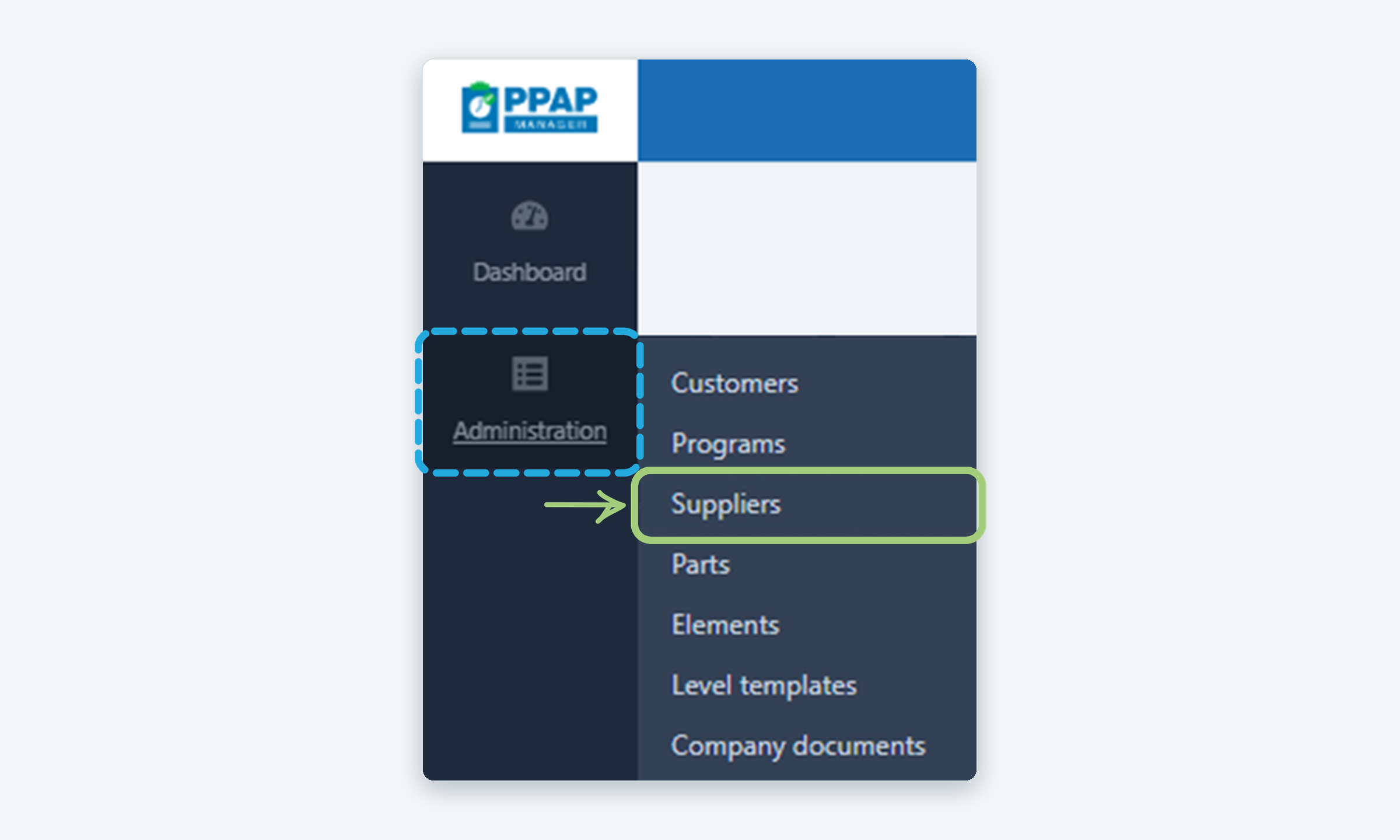
From the dashboard, click on the AVL option located on the left bar menu.

NOTE: If AVL tab is not activated: Administration Tab > Suppliers.

2

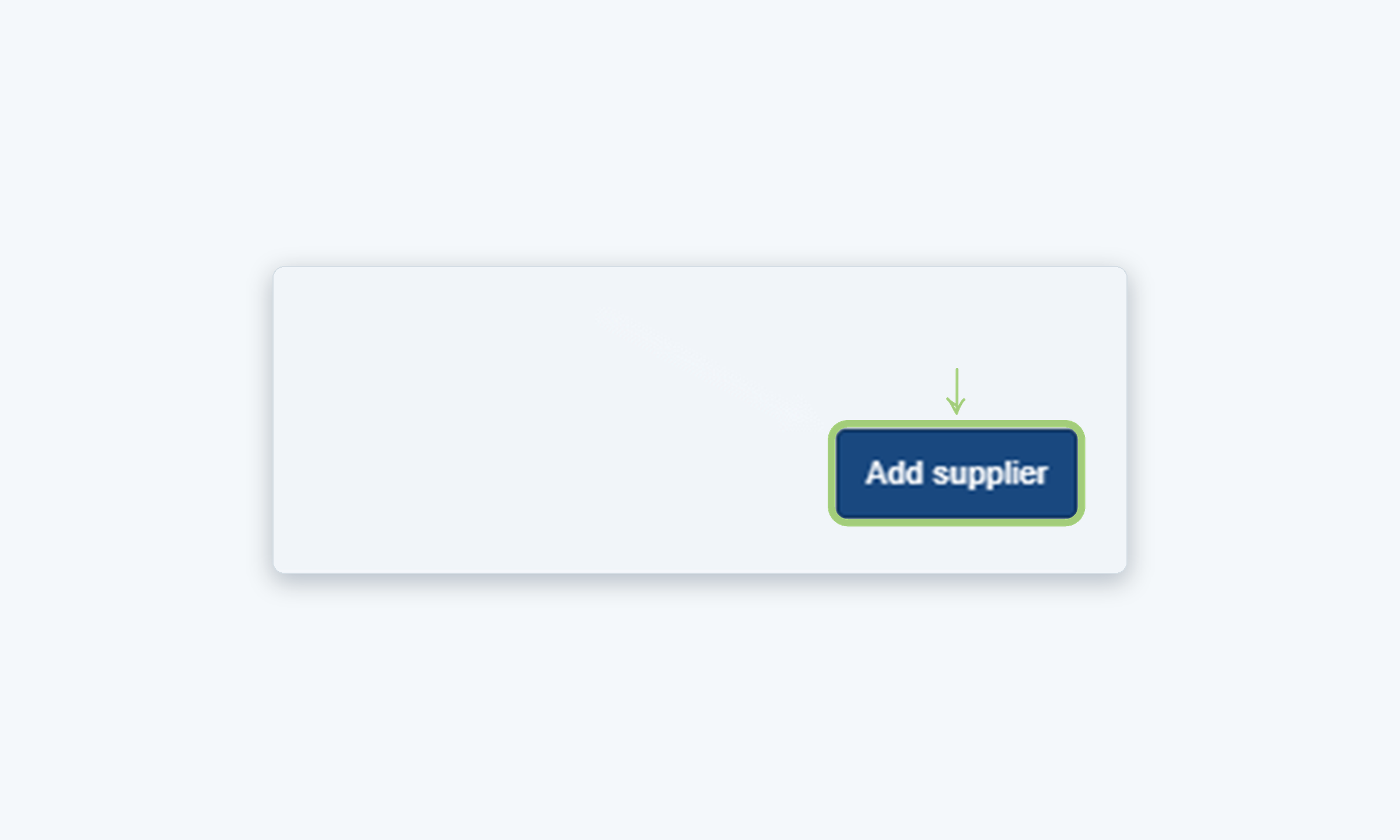
Click Add supplier

Click on the Add supplier button.

3

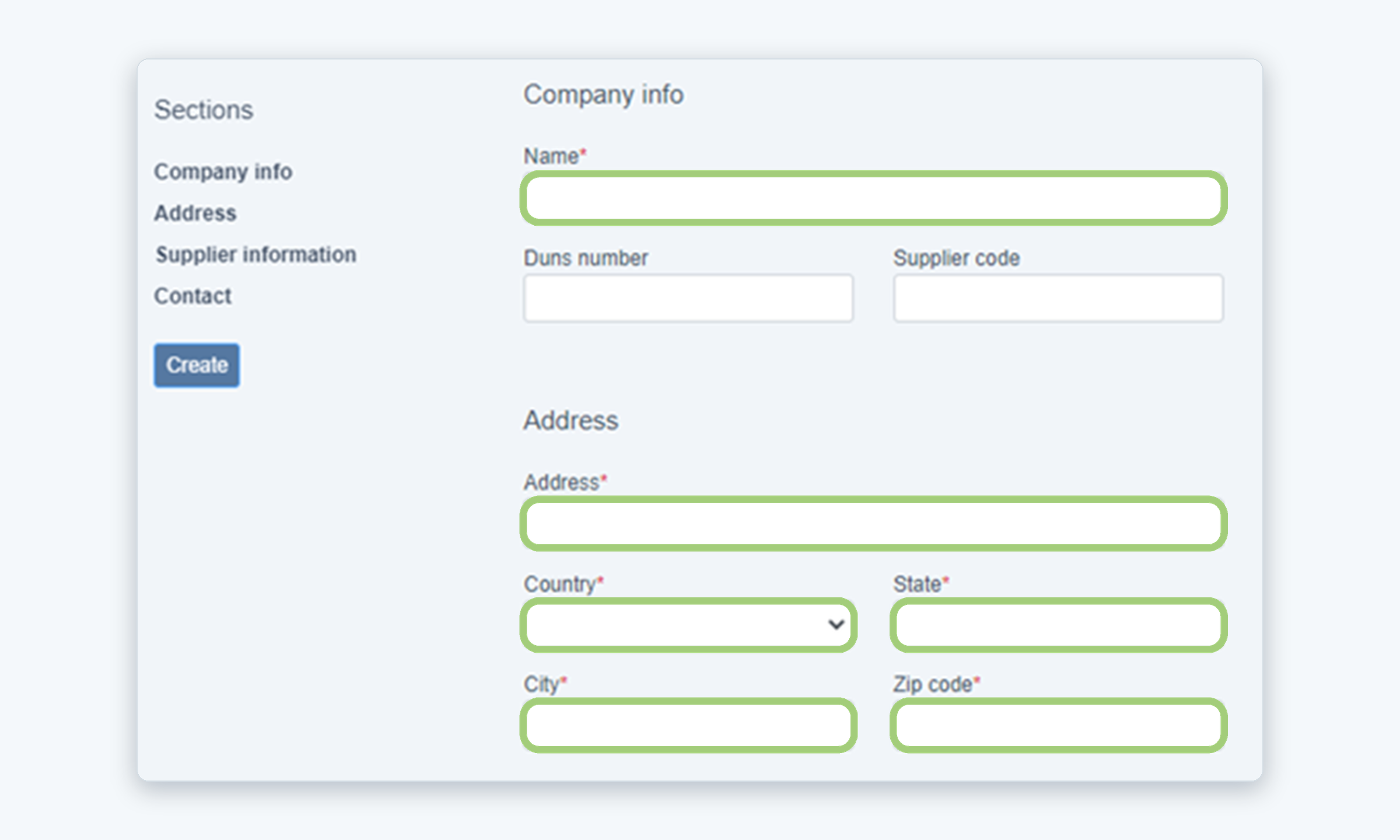
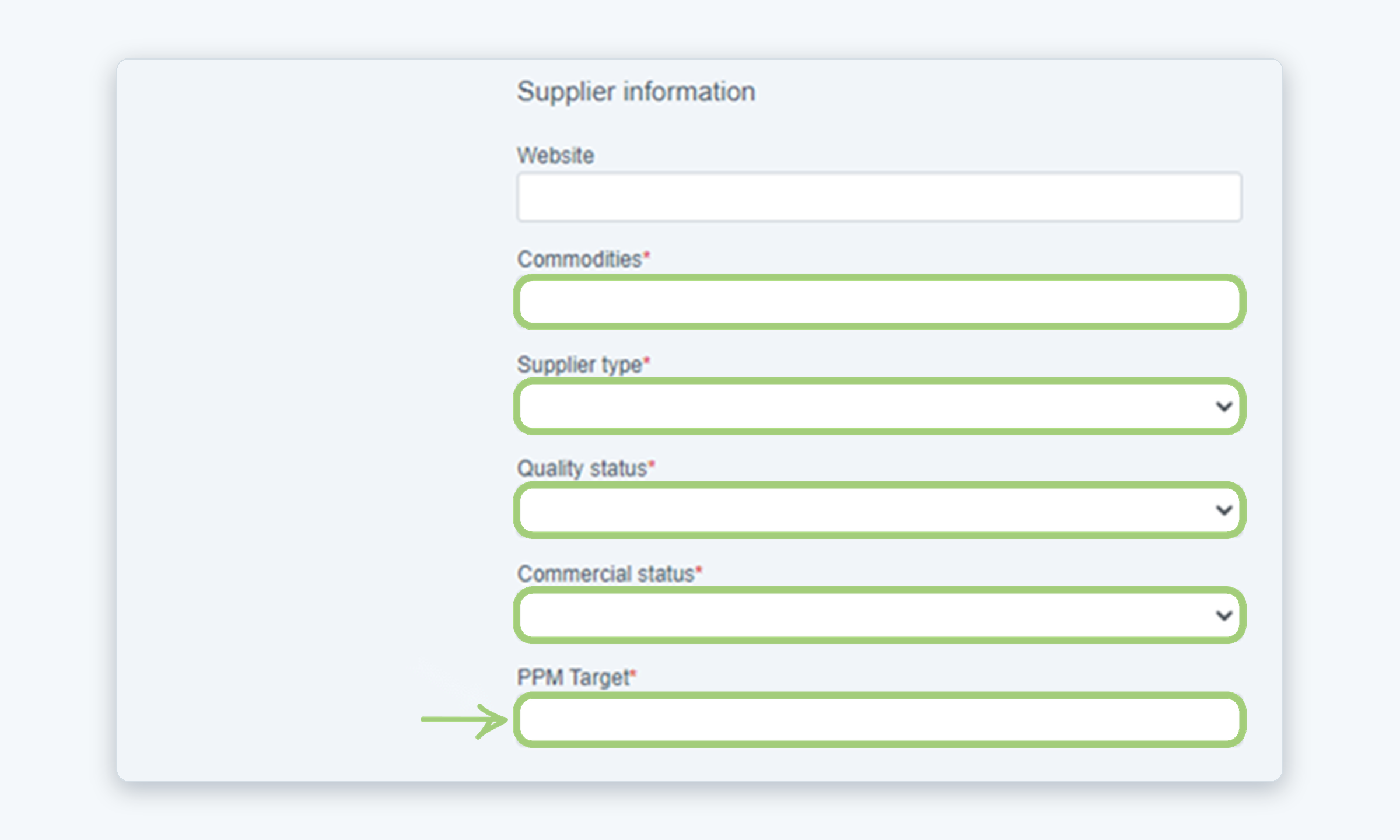
Fill out all required fields

Fill out all required fields.

Note: PPM Target can be 0.

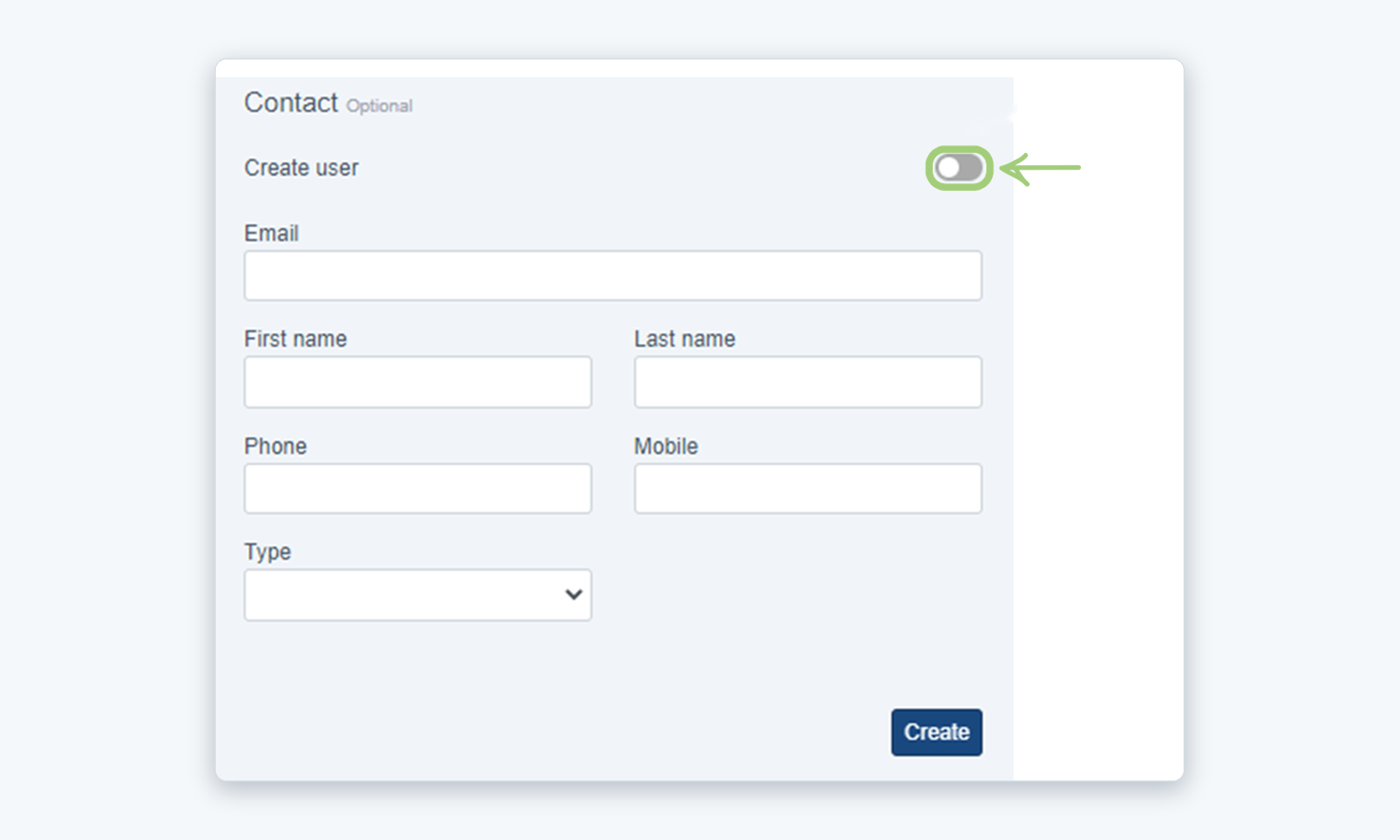
Note: Contact Section is Optional, this will create a user for the contact. The Create user button must be switched on if user is desired.

4

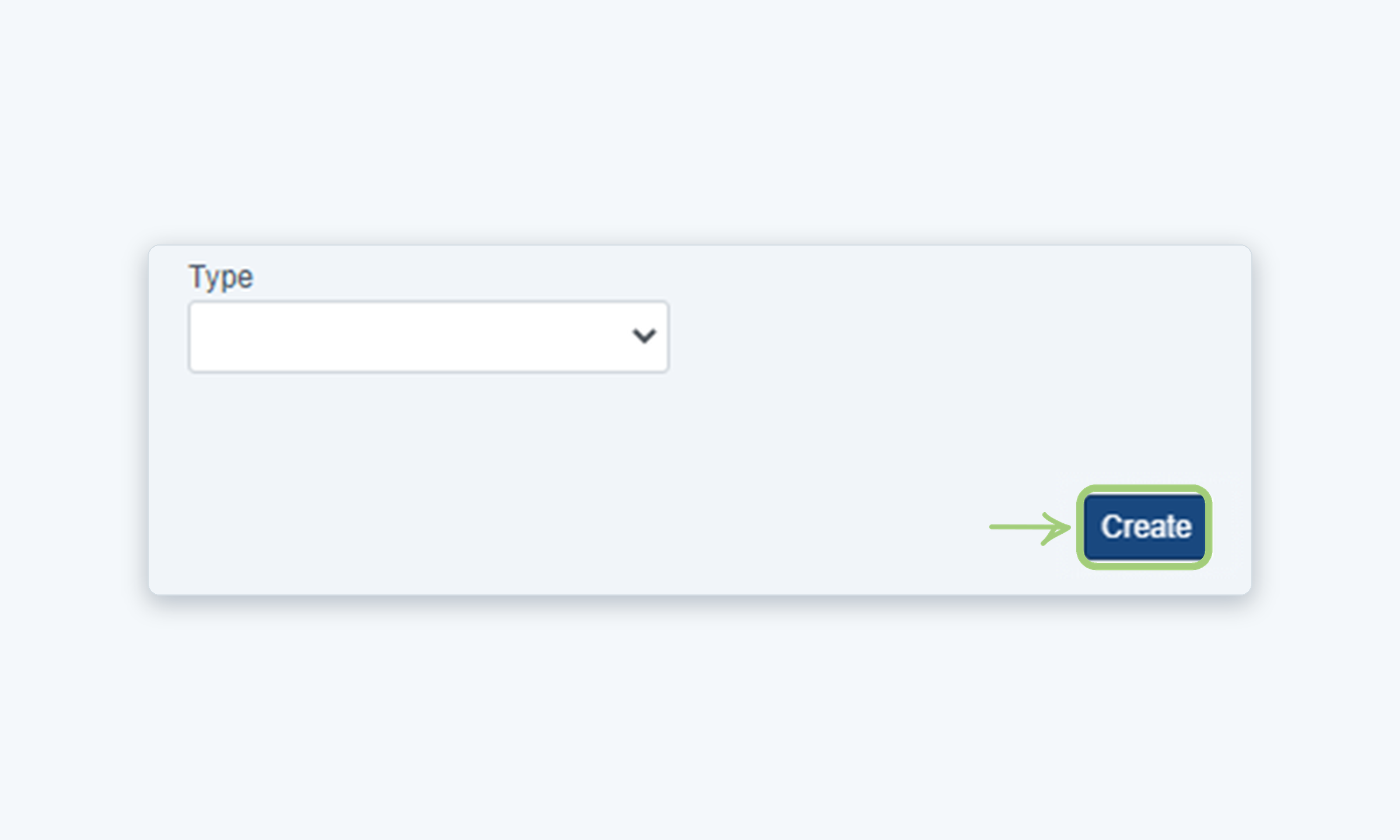
Click Create

After filling out all required fields, click the Create button.

Need more help?

If you have any questions or concerns, please contact Kiuey Support by submitting a ticket or through any of our support channels. Our team will be happy to assist you.

Was this article helpful?

That’s Great!

Thank you for your feedback

Sorry! We couldn't be helpful

Thank you for your feedback

Let us know how can we improve this article!

Select at least one of the reasons

Feedback sent

We appreciate your effort and will try to fix the article