Note: Email addresses cannot be edited once they have been created. If an email address was entered incorrectly, the existing user must be removed and a new user account must be created using the correct email address.
If you have any questions or need assistance with this process, please contact us through our support channels.
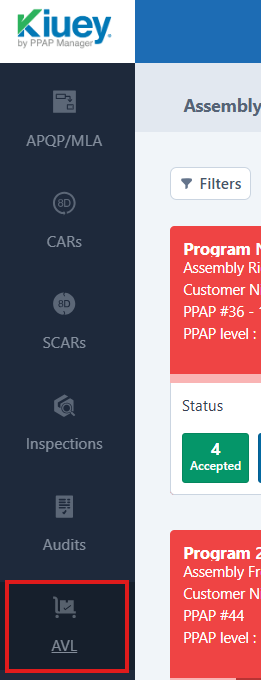
1. From the sidebar menu, click on AVL.
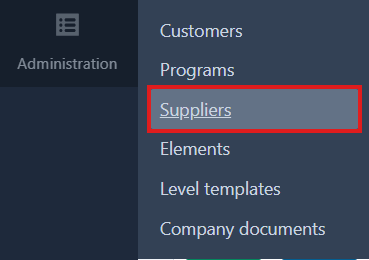
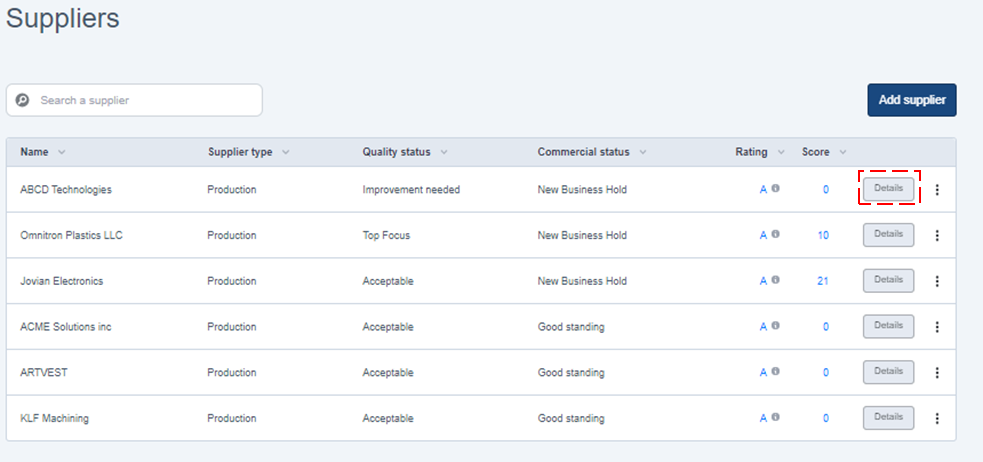
2. Locate the company where the Supplier Contact is saved and click on the Details button.
3. Click on the Edit/Delete button of the contact you'd like to modify. 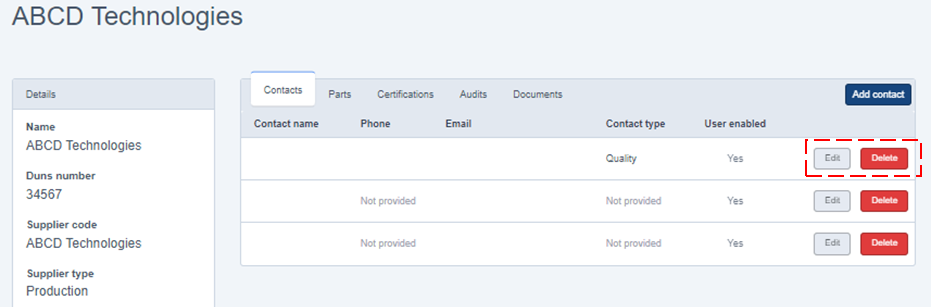
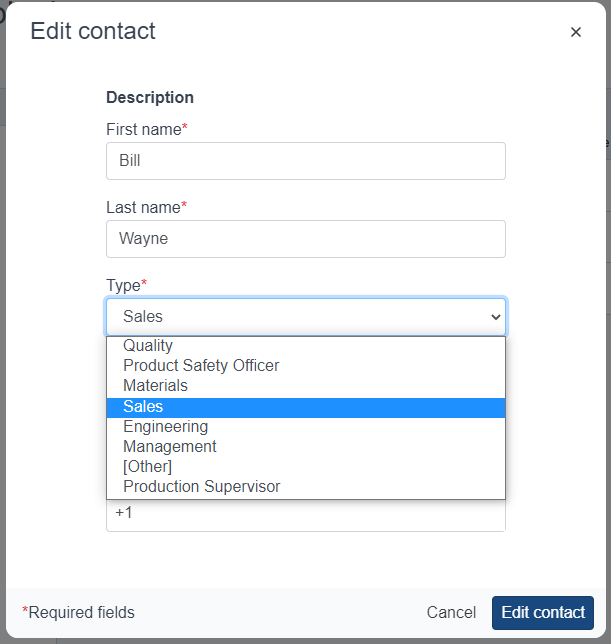
4. Edit the information you want to change and click on the Edit button.
Was this article helpful?
That’s Great!
Thank you for your feedback
Sorry! We couldn't be helpful
Thank you for your feedback
Feedback sent
We appreciate your effort and will try to fix the article