FAQ, access issues, password reset, expired link, SSO, login, too many requests, supplier account
OVERVIEW
This article answers the most common questions about access, login and password reset issues.
Who is this for? Internal usersSupplier
1
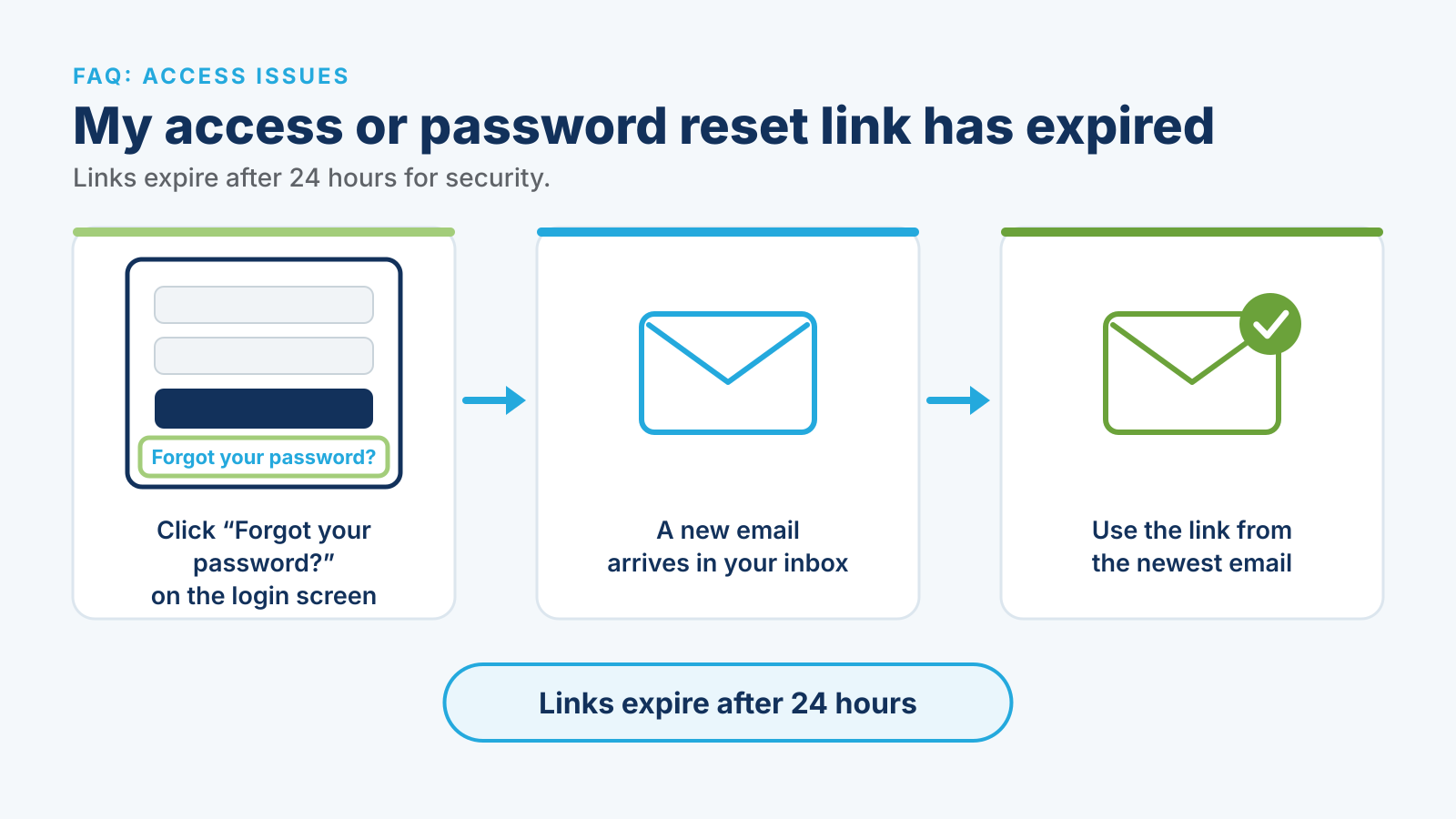
My access or password reset link says it has expired.
For security purposes, access and password reset links expire after 24 hours. Request a new one by clicking Forgot your password? on the login screen, then use the link from the newest email.
2
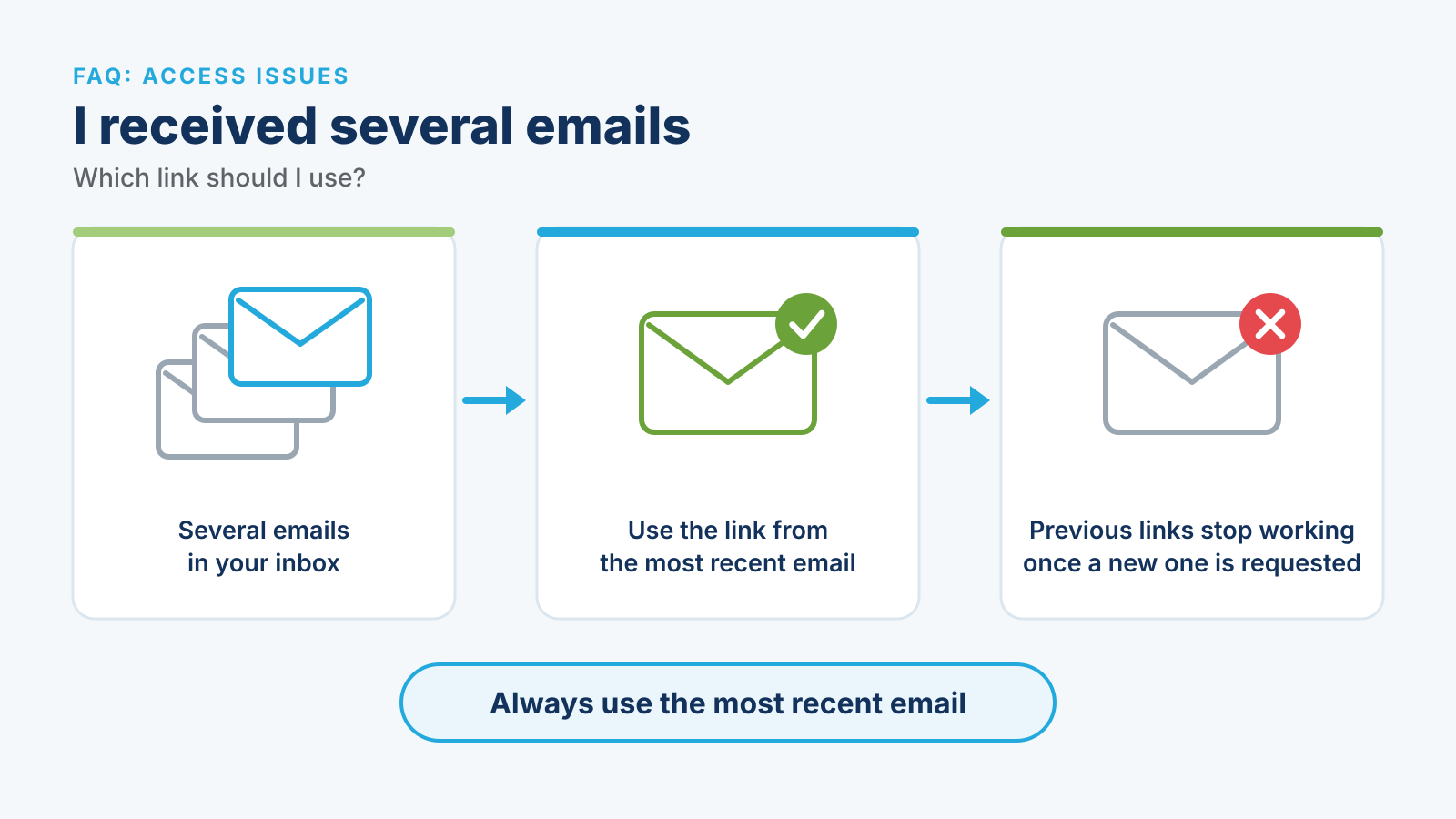
I received several emails. Which link should I use?
Always use the link from the most recent email. Previous links stop working once a new one is requested.
3
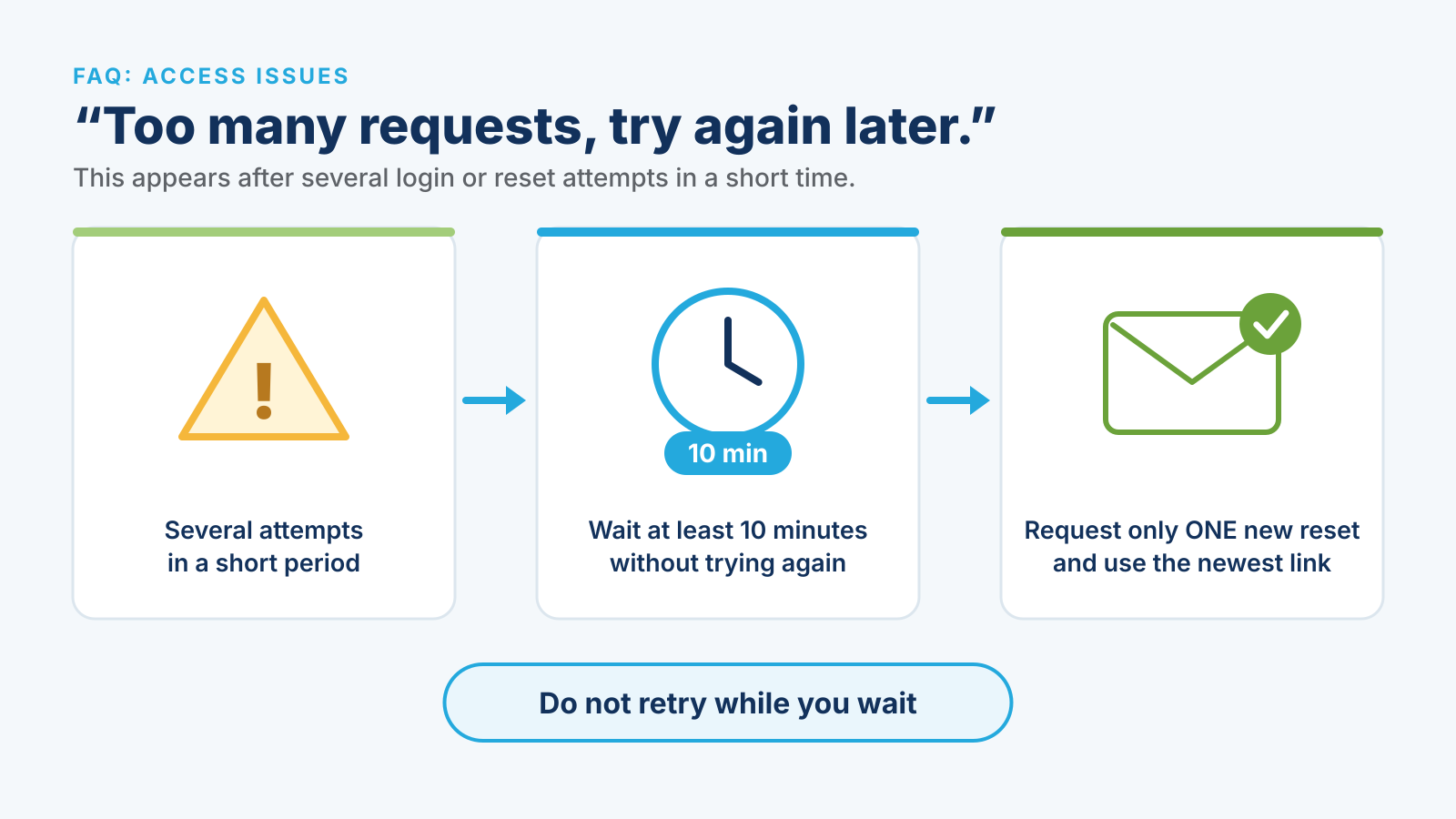
I see the message "Too many requests, try again later."
This appears after several login or reset attempts in a short period of time. Wait at least 10 minutes without trying again, then request only one new password reset and use the newest link.
4
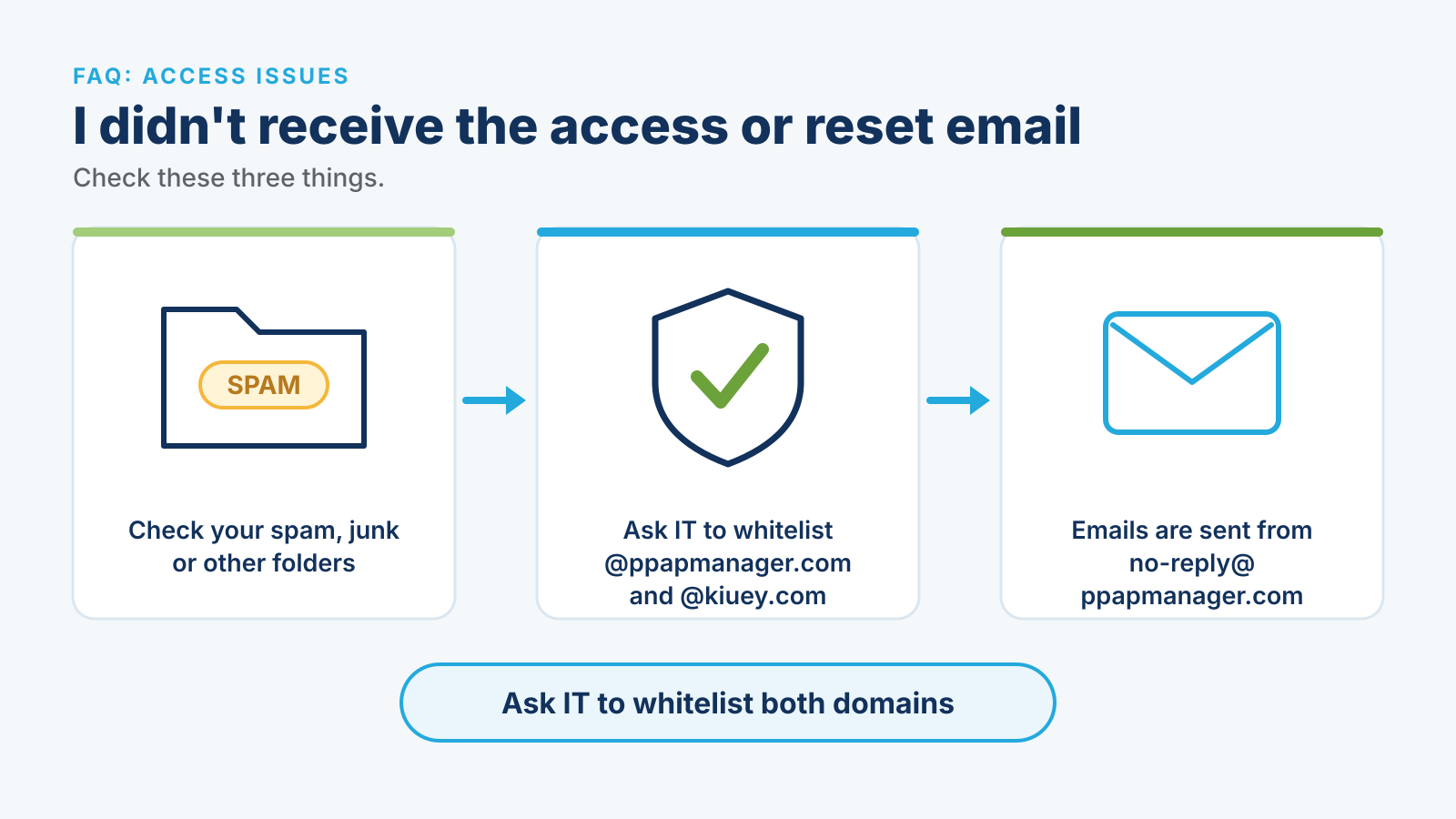
I didn't receive the access or reset email.
Check your spam, junk, or other folders. We also recommend asking your IT department to add our domains, @ppapmanager.com and @kiuey.com, to your whitelist. Emails are sent from no-reply@ppapmanager.com.
5
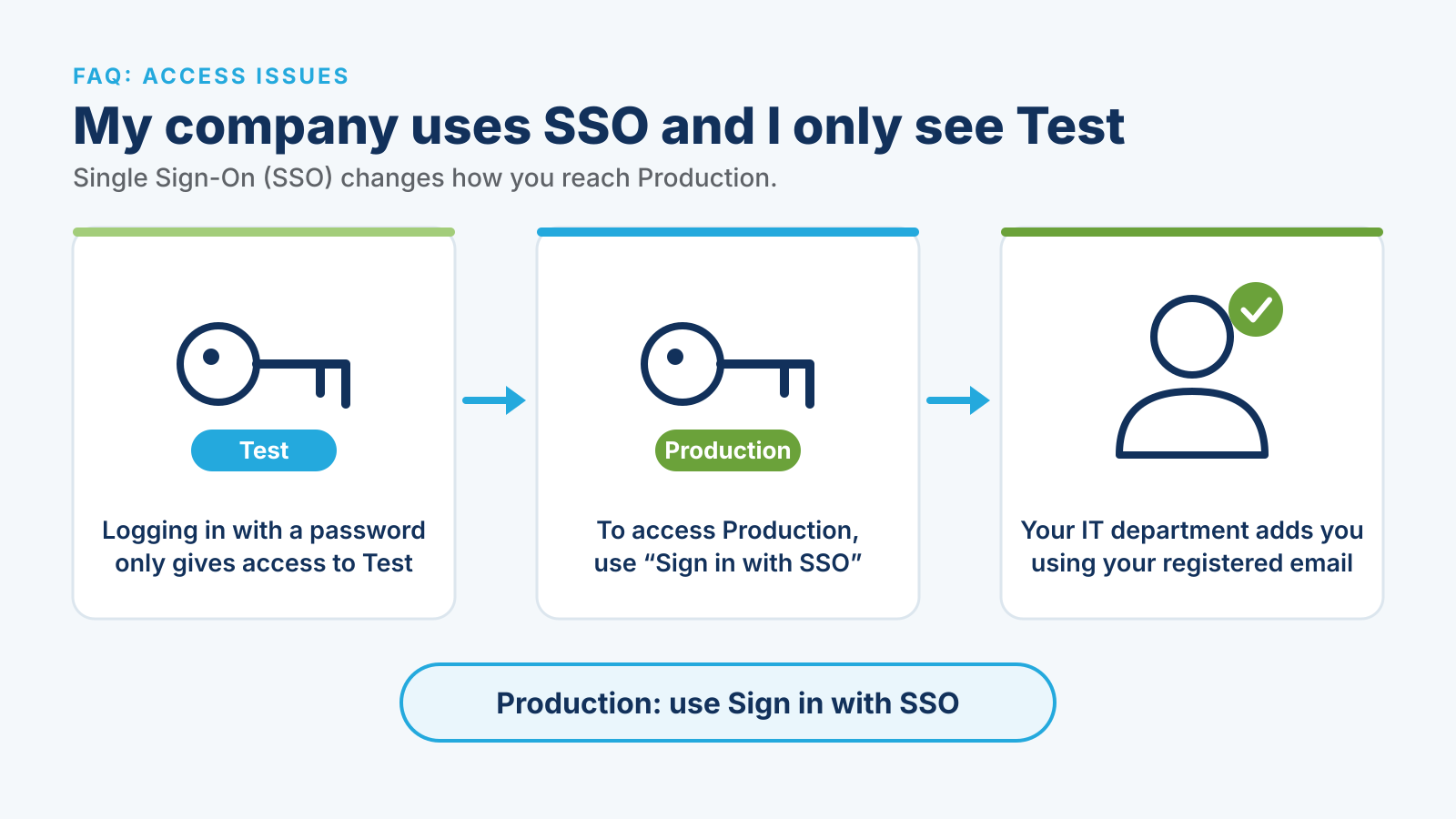
My company uses SSO, and I can only see the Test environment.
If your company uses Single Sign-On (SSO), logging in with a password only gives access to the Test environment. To access Production, log in using Sign in with SSO. Your IT department must also add you to your company's SSO configuration, using the same email address registered in the platform.
6
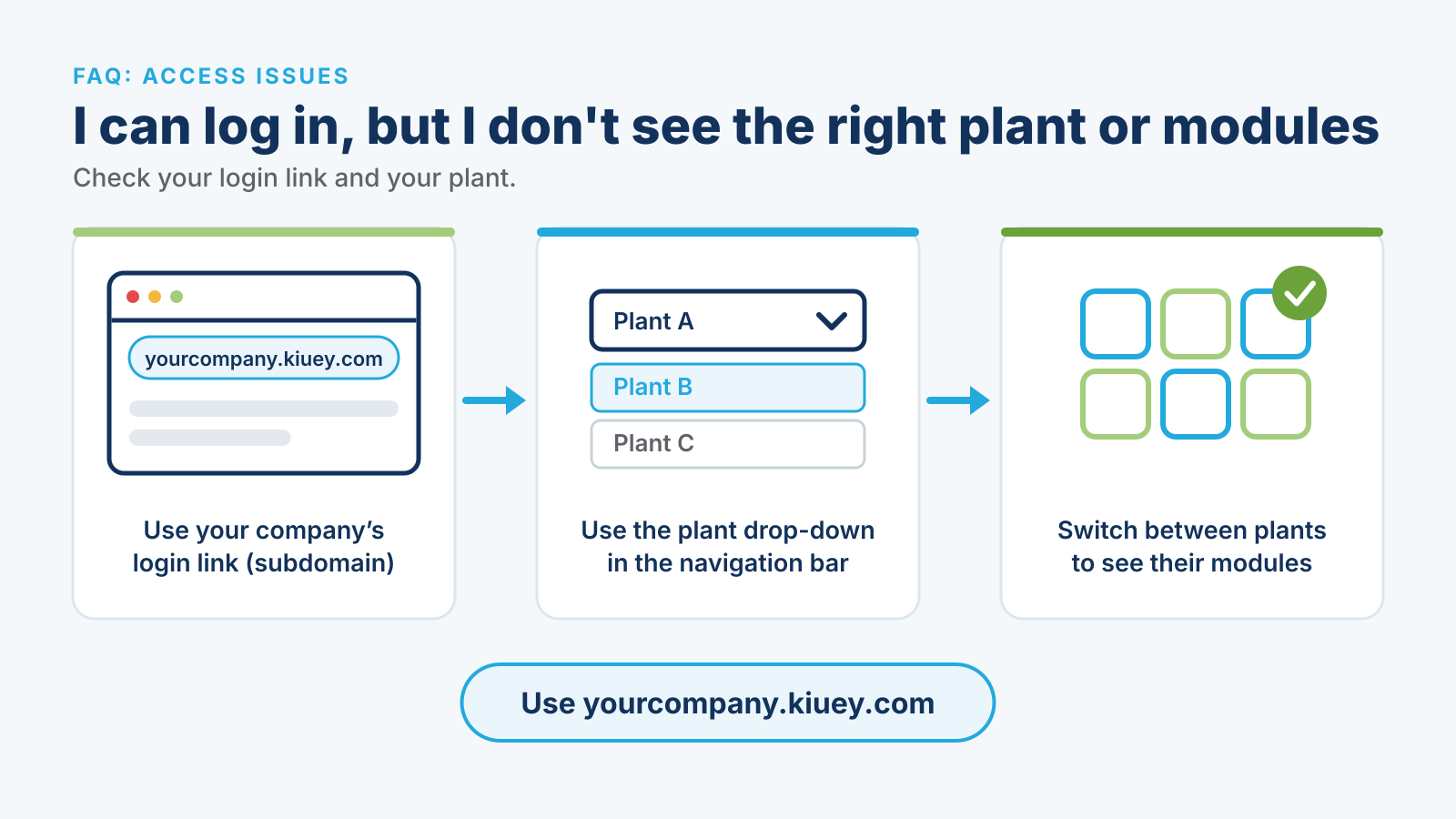
I can log in, but I don't see the right plant or modules.
Make sure you are using your company's login link (subdomain), for example: yourcompany.kiuey.com. If you have access to several plants, use the plant drop-down menu in the navigation bar to switch between them.
7
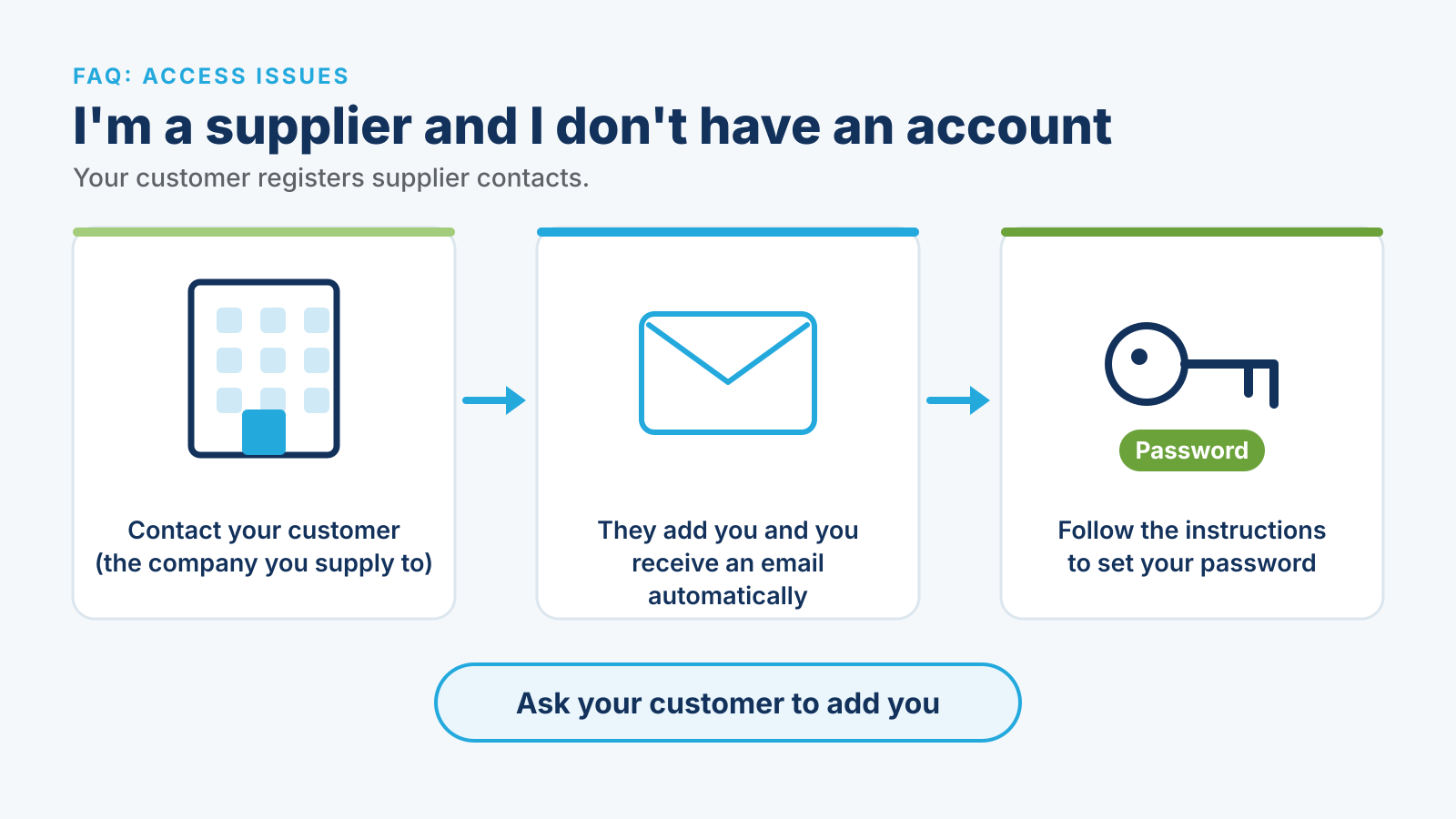
I'm a supplier and I don't have an account.
Supplier contacts are registered by your customer (the company you supply to). Please contact them to request access. Once they add you, you will automatically receive an email with instructions to set your password.
8
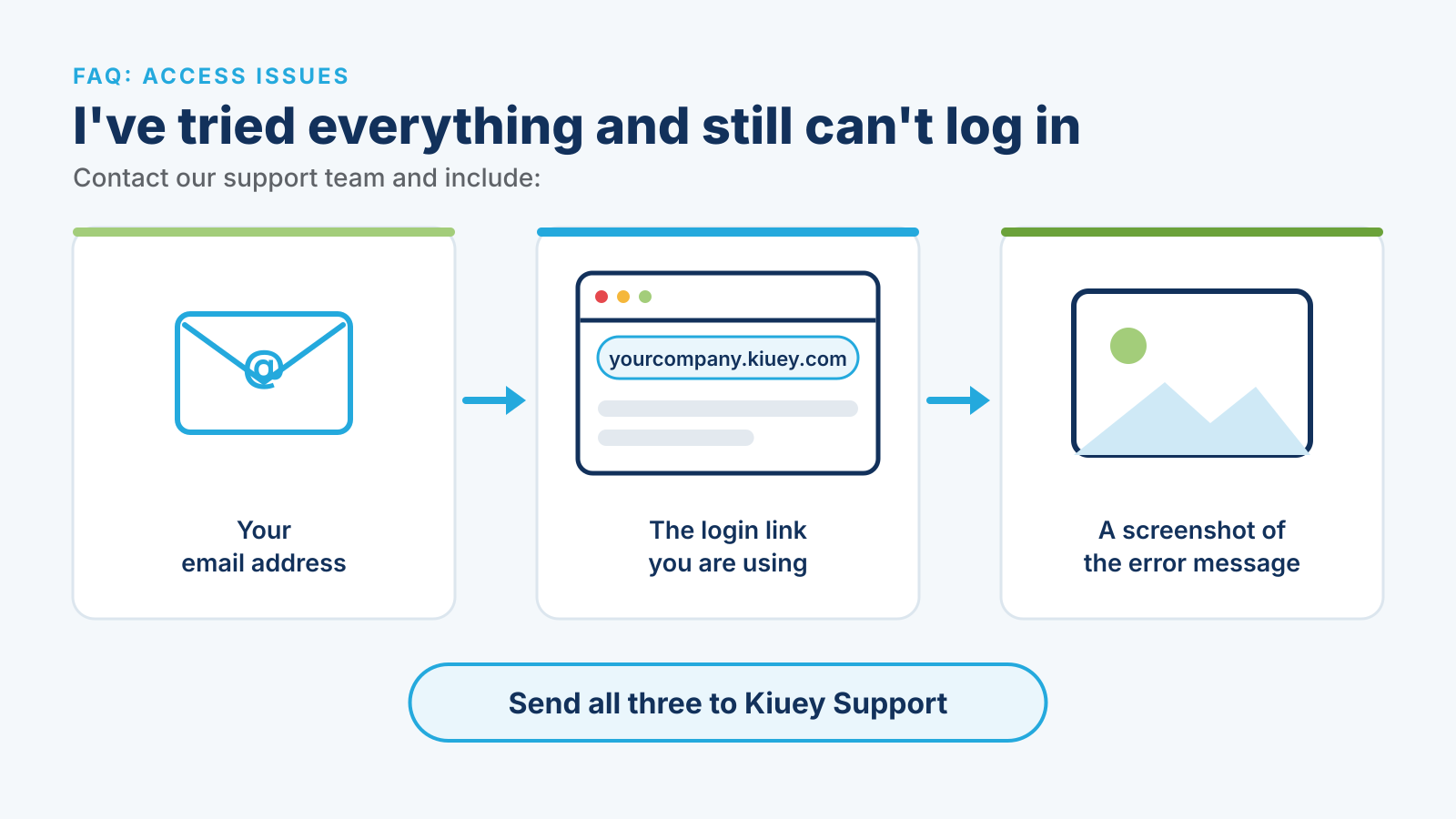
I've tried all of the above and still can't log in.
Please contact our support team and include:
- Your email address
- The login link you are using
- A screenshot of the error message
Need more help?
If you have any questions or concerns, please contact Kiuey Support by submitting a ticket or through any of our support channels. Our team will be happy to assist you.