OVERVIEW
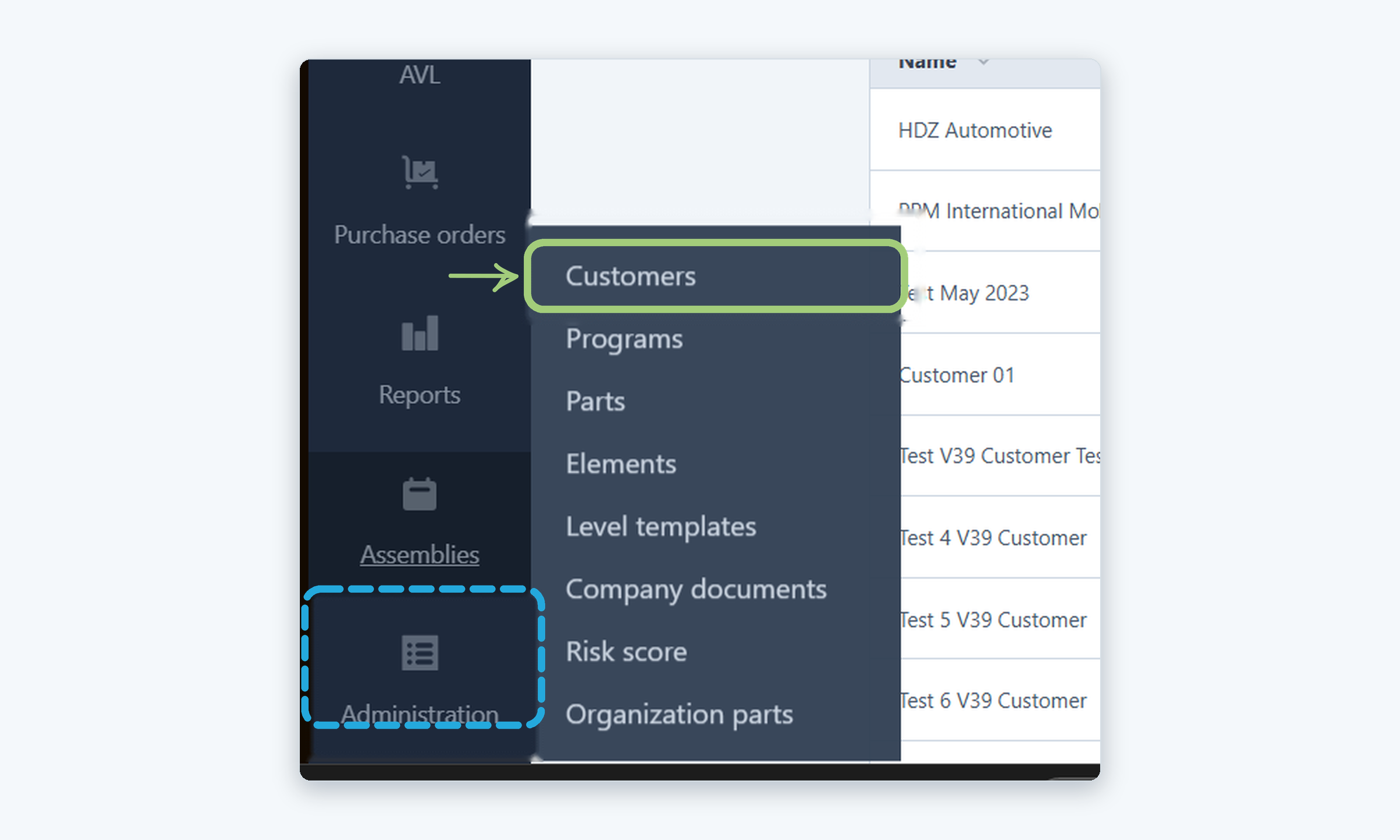
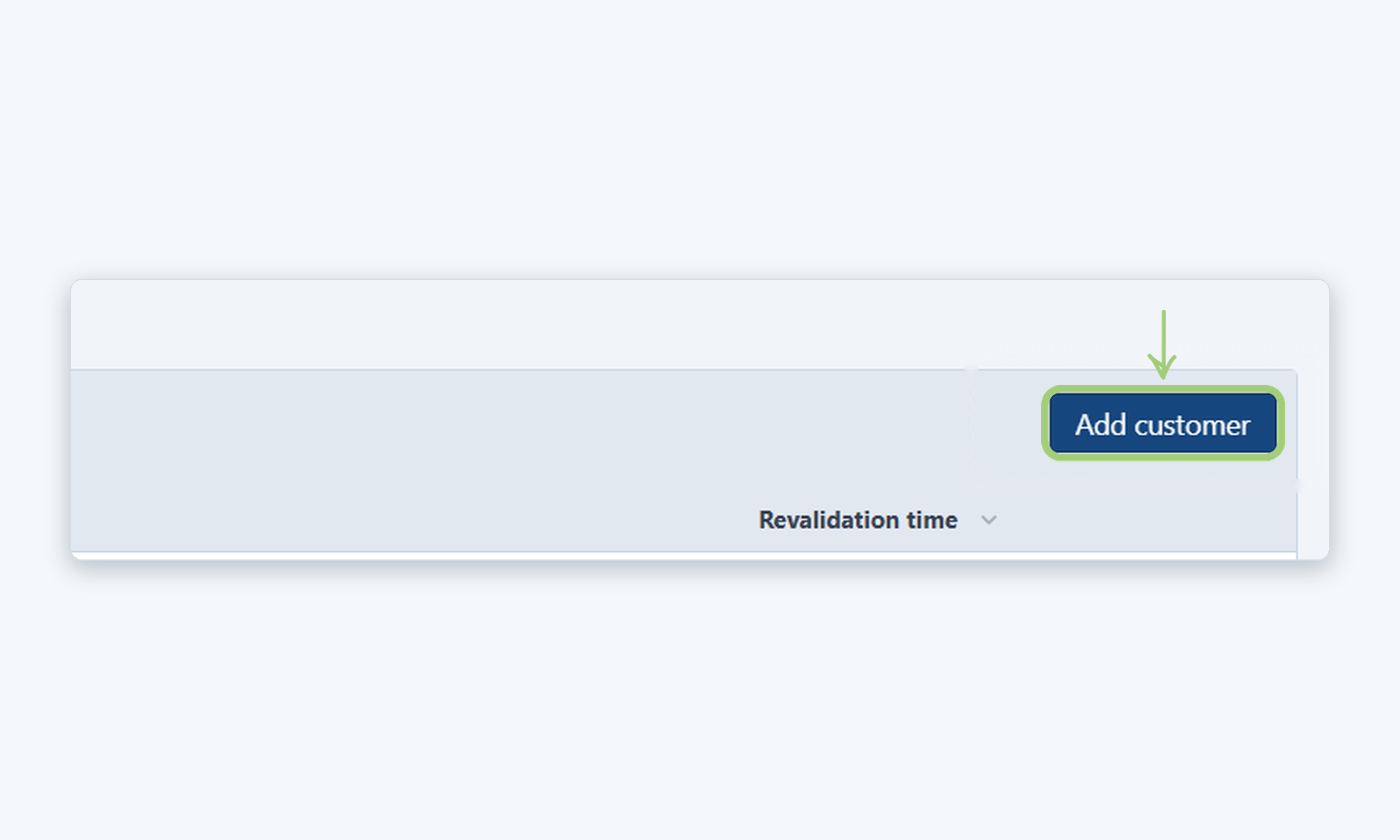
This guide shows how to add a new customer to Kiuey so it can be used when you create assemblies, programs and PPAPs.
Who is this for? Internal users
IMPORTANT NOTES
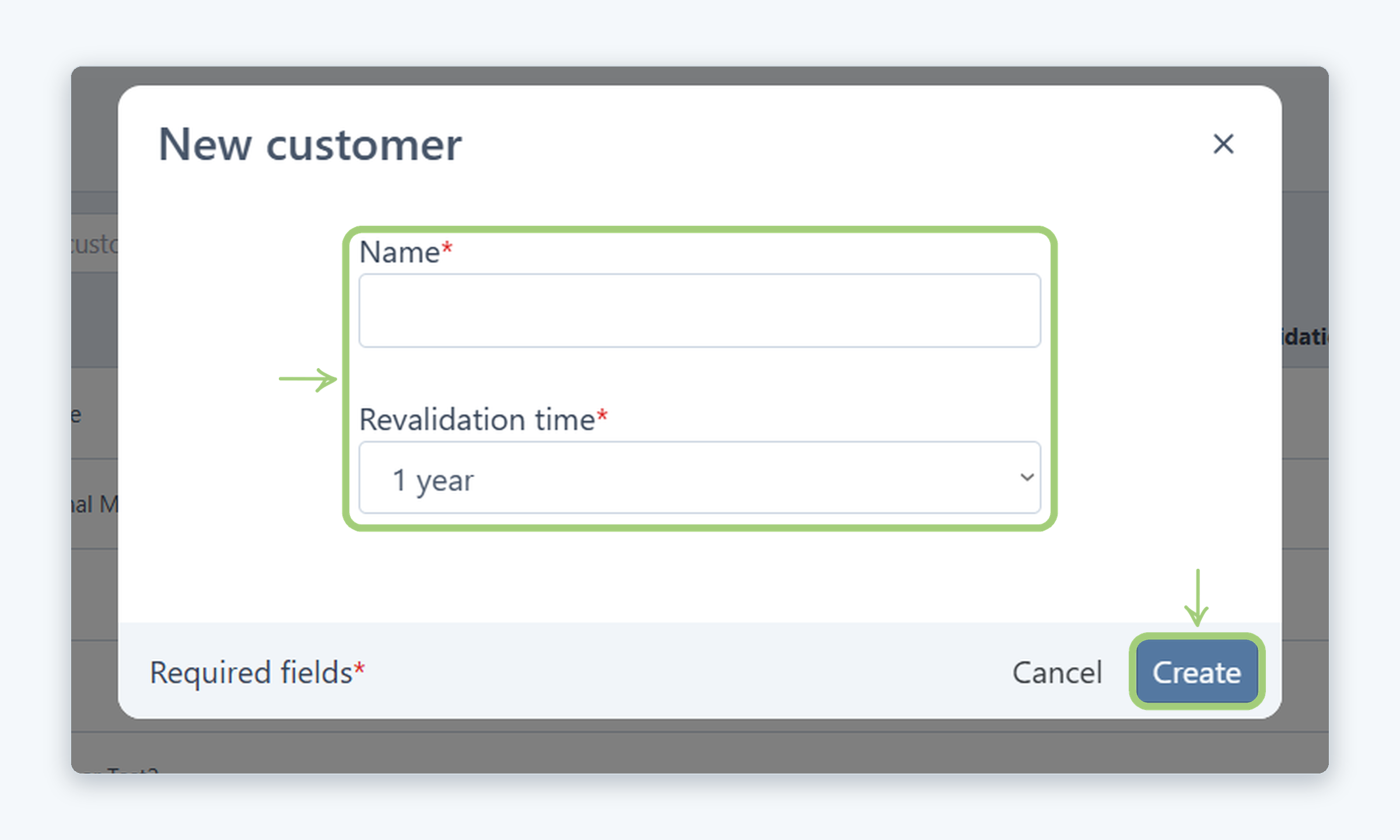
- The Name and Revalidation time fields are required.
- The Revalidation time defines how often the customer's PPAPs must be revalidated.
- Once created, the customer appears in the Customers list and can be selected in other forms, such as when you add an assembly.
WHO CAN DO THIS
Internal users: Users with access to the Administration menu.
VIDEO TUTORIAL
Steps
Need more help?
If you have any questions or concerns, please contact Kiuey Support by submitting a ticket or through any of our support channels. Our team will be happy to assist you.
Was this article helpful?
That’s Great!
Thank you for your feedback
Sorry! We couldn't be helpful
Thank you for your feedback
Feedback sent
We appreciate your effort and will try to fix the article