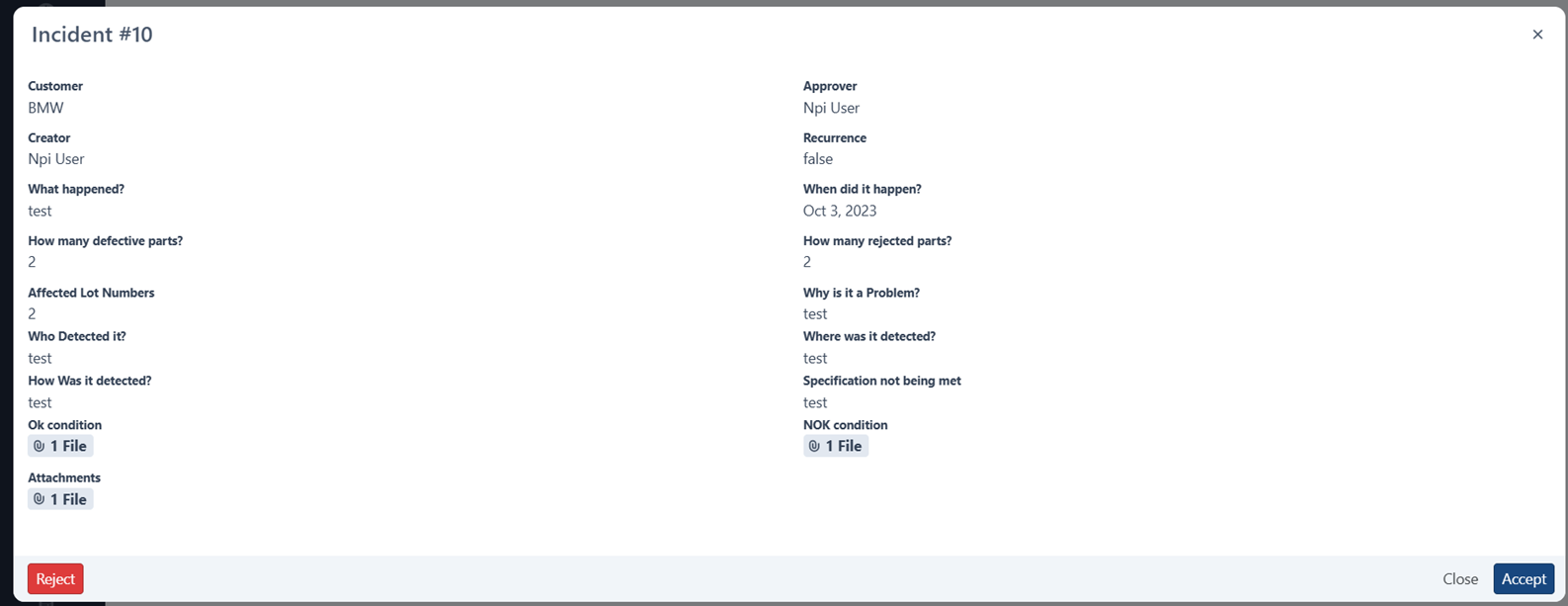
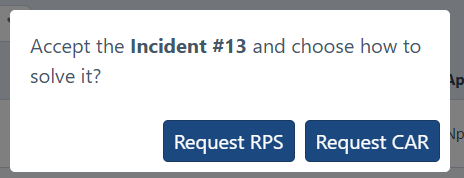
The assigned approver of the Incident has permission to accept or reject an incident. If accepted, approver must choose between creating an RPS or a SCAR/CAR.
1.From the SCAR or aCAR Incidents page, locate the assigned incident, and click on Details.

2. Click on the Accept/Reject button.
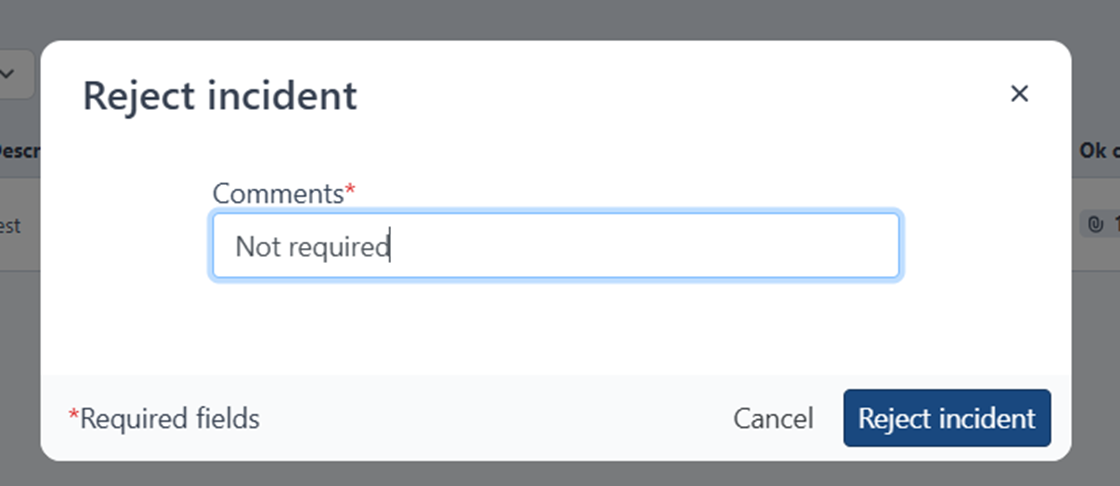
If rejected, a comment will be required.
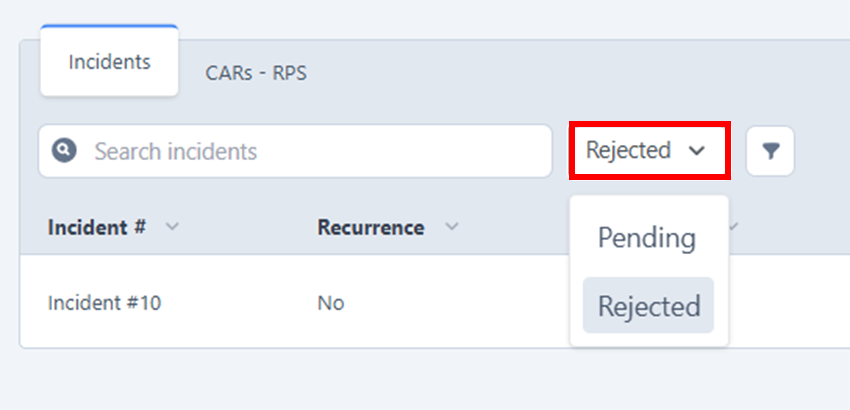
Incident will be moved to the REJECTED page. Click on the status filter to switch:
If accepted, approver must choose if RPS or CAR/SCAR is required.
Was this article helpful?
That’s Great!
Thank you for your feedback
Sorry! We couldn't be helpful
Thank you for your feedback
Feedback sent
We appreciate your effort and will try to fix the article